Nassau
A Nassau is three games in one round: the front nine, the back nine and the full 18. You set it up as three tournaments on the round, each counting its own holes and paying its own purse.
Before you start:
- The round has its course and players (Create an event).
- The round hasn’t started: tournaments can only be added before it does.
-
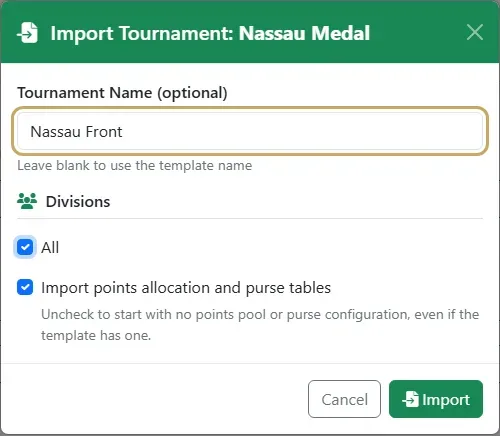
Add the game you want to play (for example stroke play) to the round three times (Add rounds and tournaments). Each time, type a name in Tournament Name in the Import dialog, such as Nassau Front, Nassau Back and Nassau Overall. Name them as you import: they can’t be renamed afterwards.
-
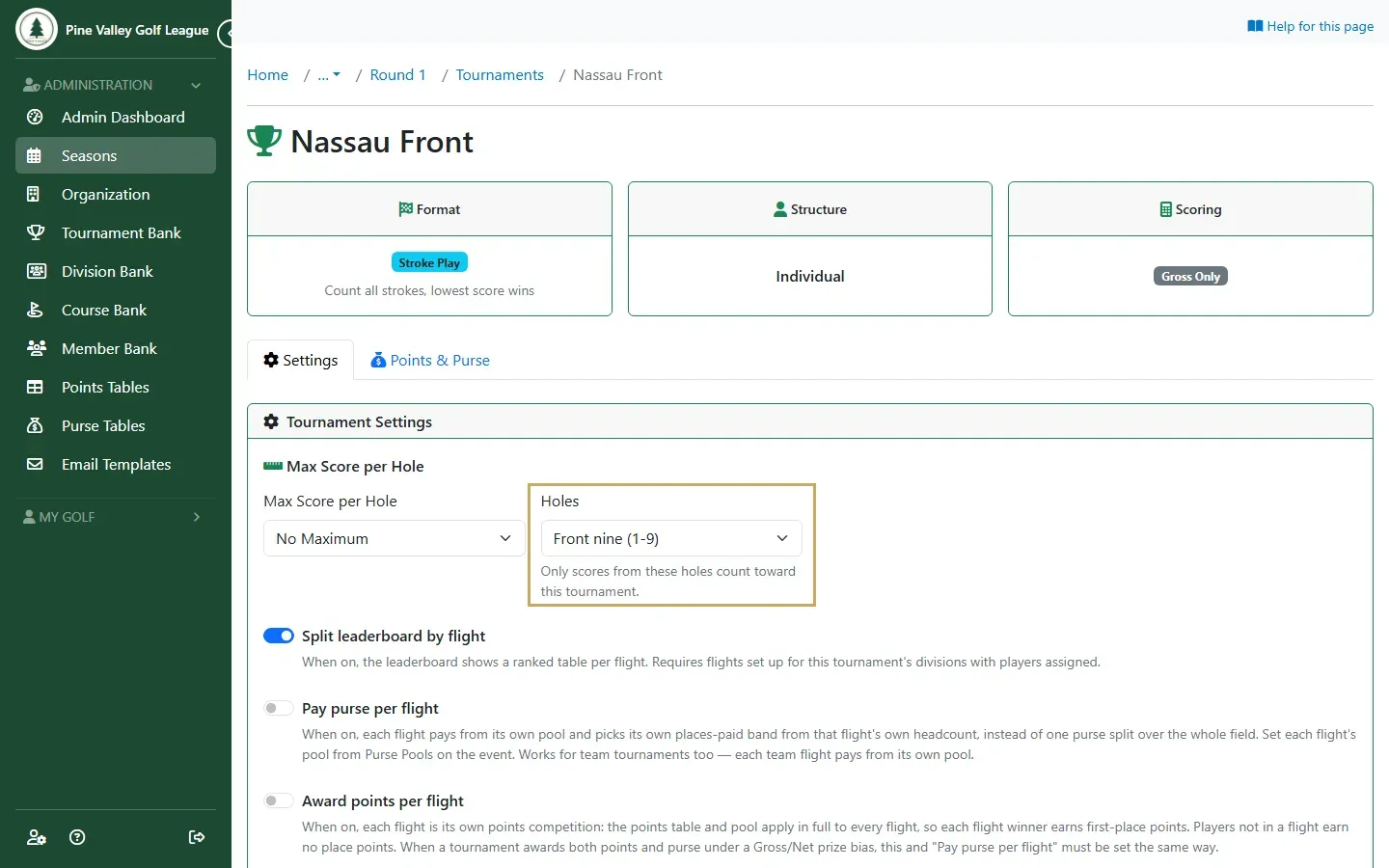
Open Nassau Front from the round’s Tournaments tab, set Holes to Front nine (1-9) and select Save Changes. Do the same for Nassau Back with Back nine (10-18). Leave Nassau Overall on all 18 holes.
-
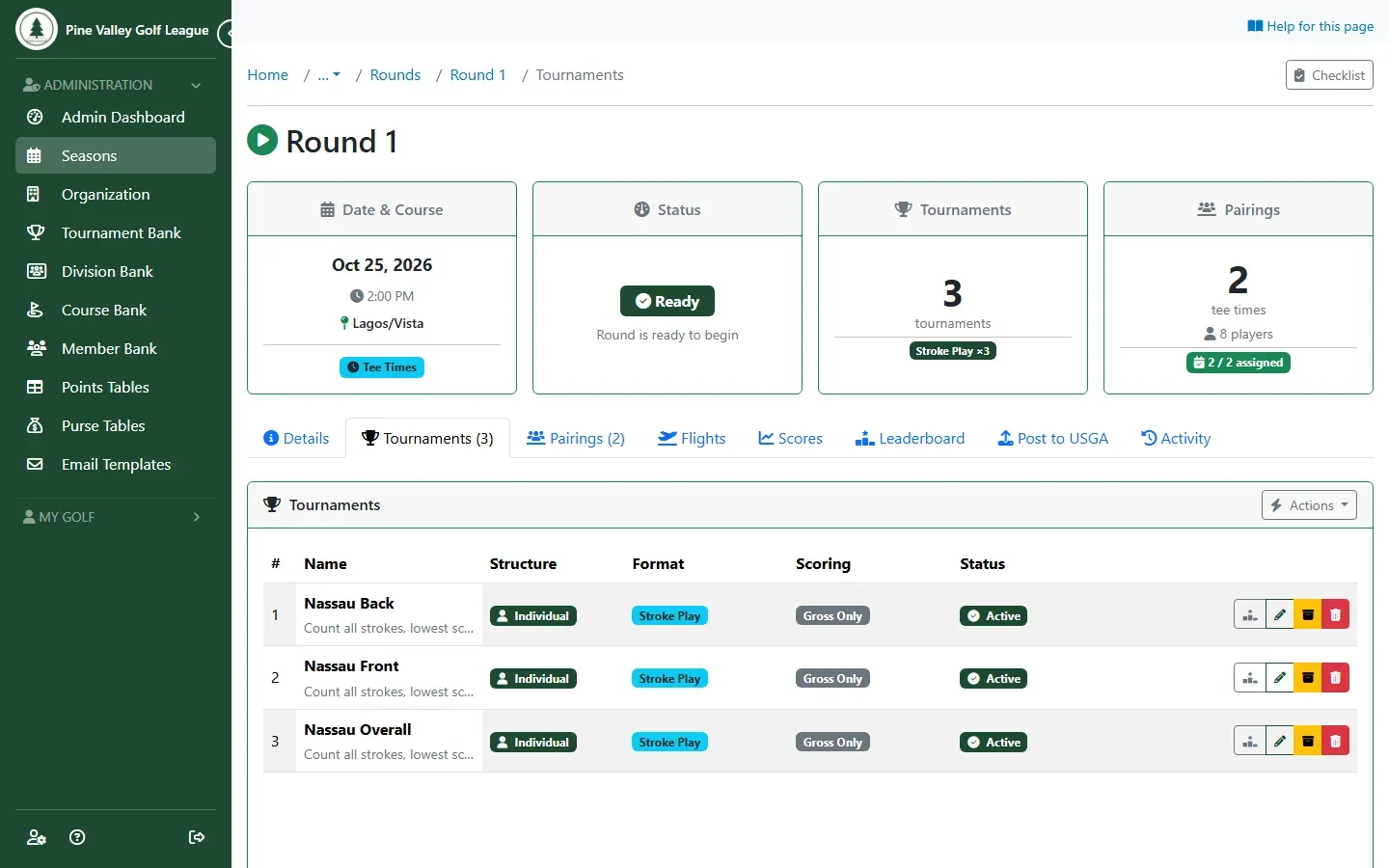
The round now has the three tournaments.
-
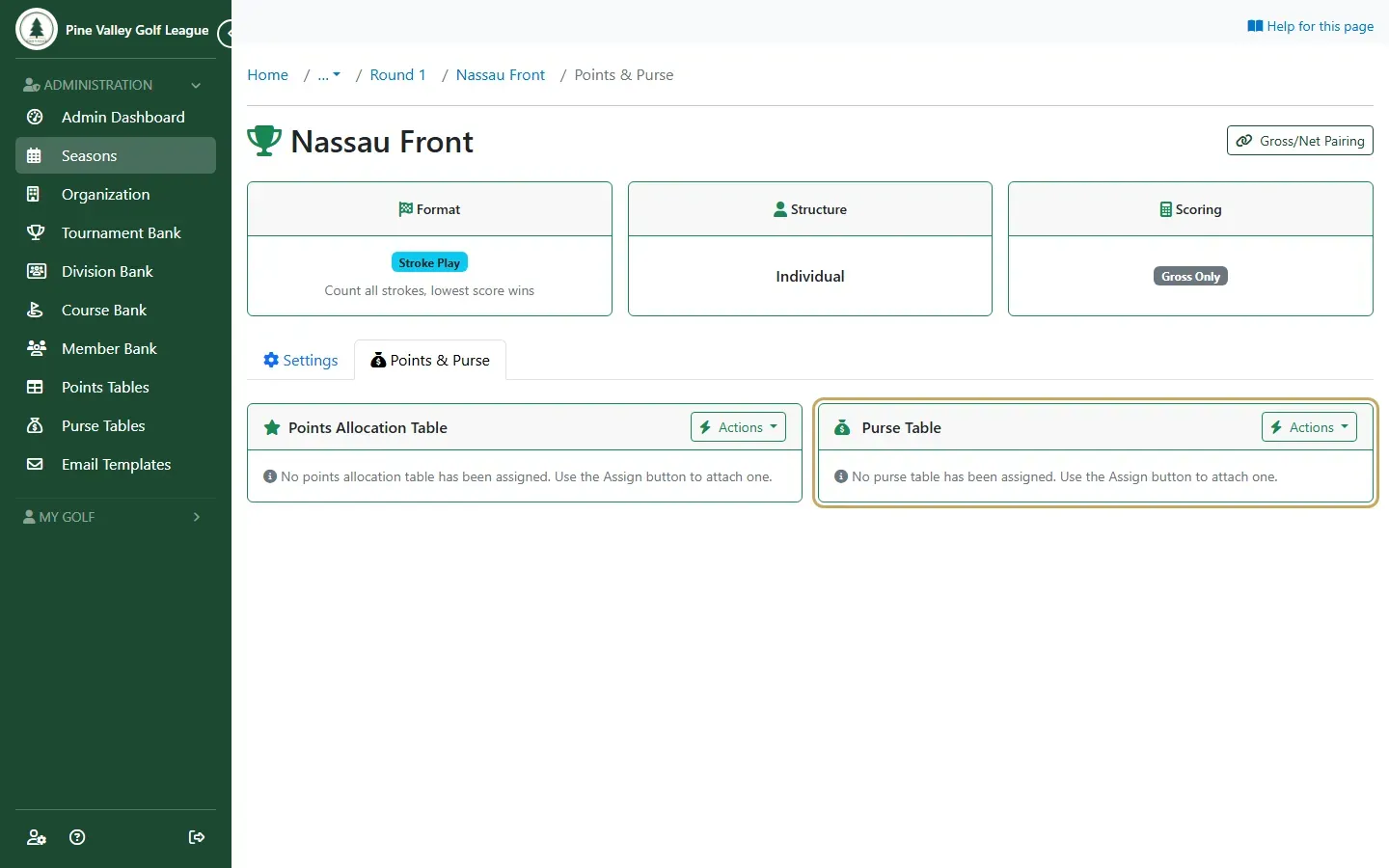
Give each its own purse: on its Points & Purse tab, open Actions on Purse Table and assign one. If the Nassau counts towards your season standings, put season points on Nassau Overall only: points on all three would count the round three times.
-
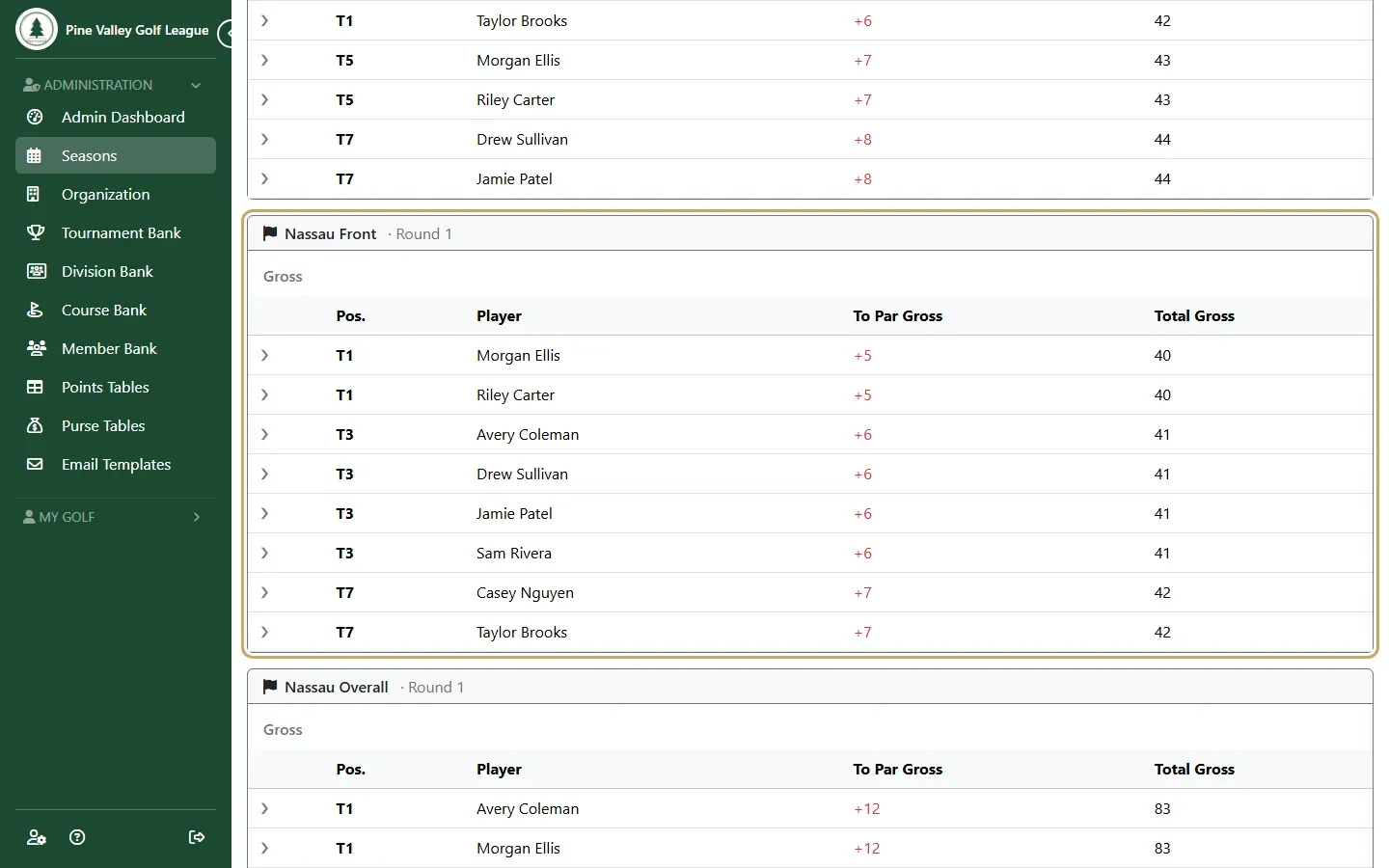
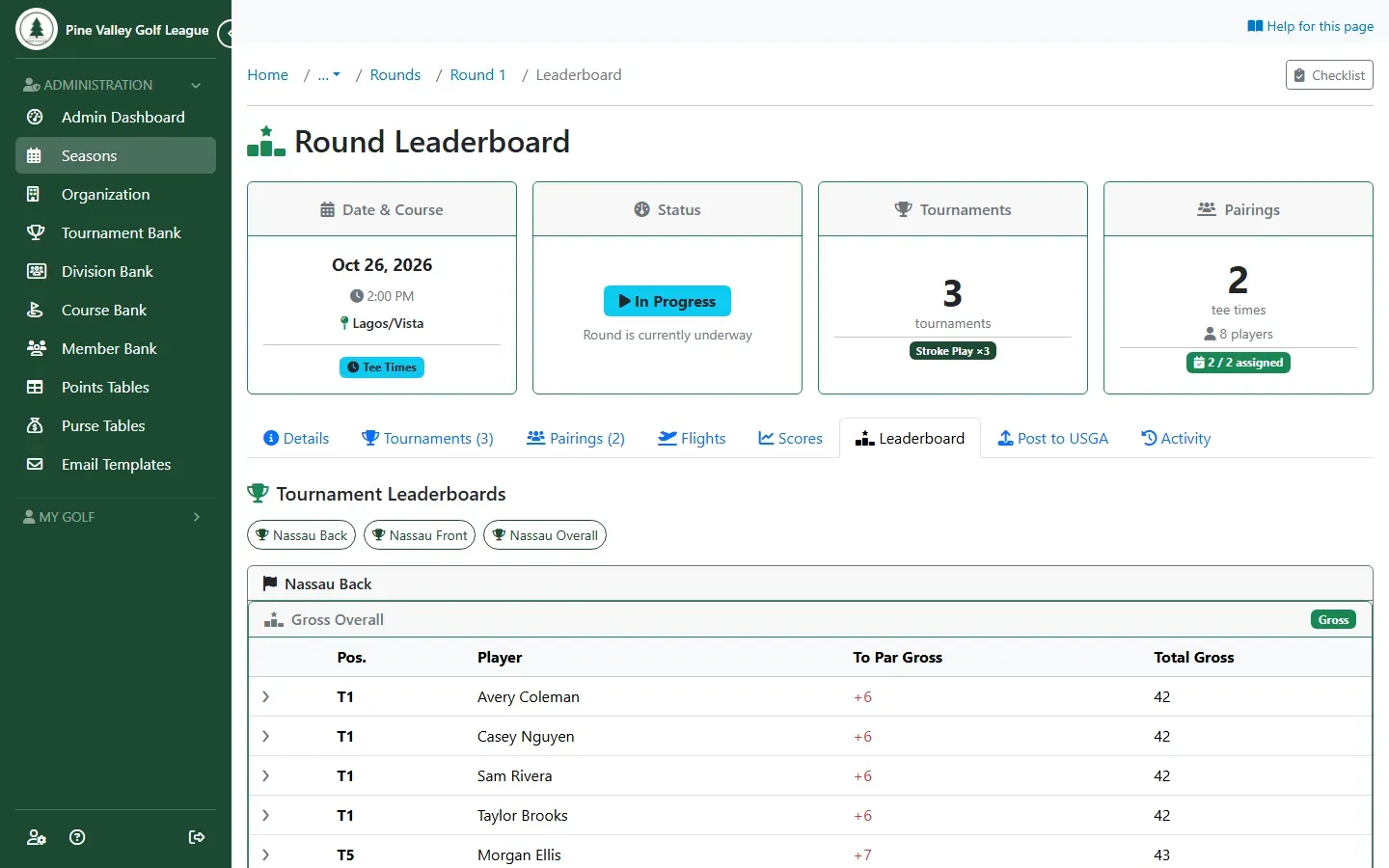
Play the round as usual. The round’s Leaderboard tab shows one leaderboard per tournament: pick one with the buttons at the top.
-
The event’s Results tab lists all three, each with its own winners and purse.