Complete a round and event
When everyone has finished, you complete the round, and when every round is done, the event. Completing the event calculates its points and purse and adds them to the season standings. “Completed” is a label, not a lock: you can still correct a score afterwards, and the results update to match.
Before you start: every group’s scores are in (Scoring a round).
-
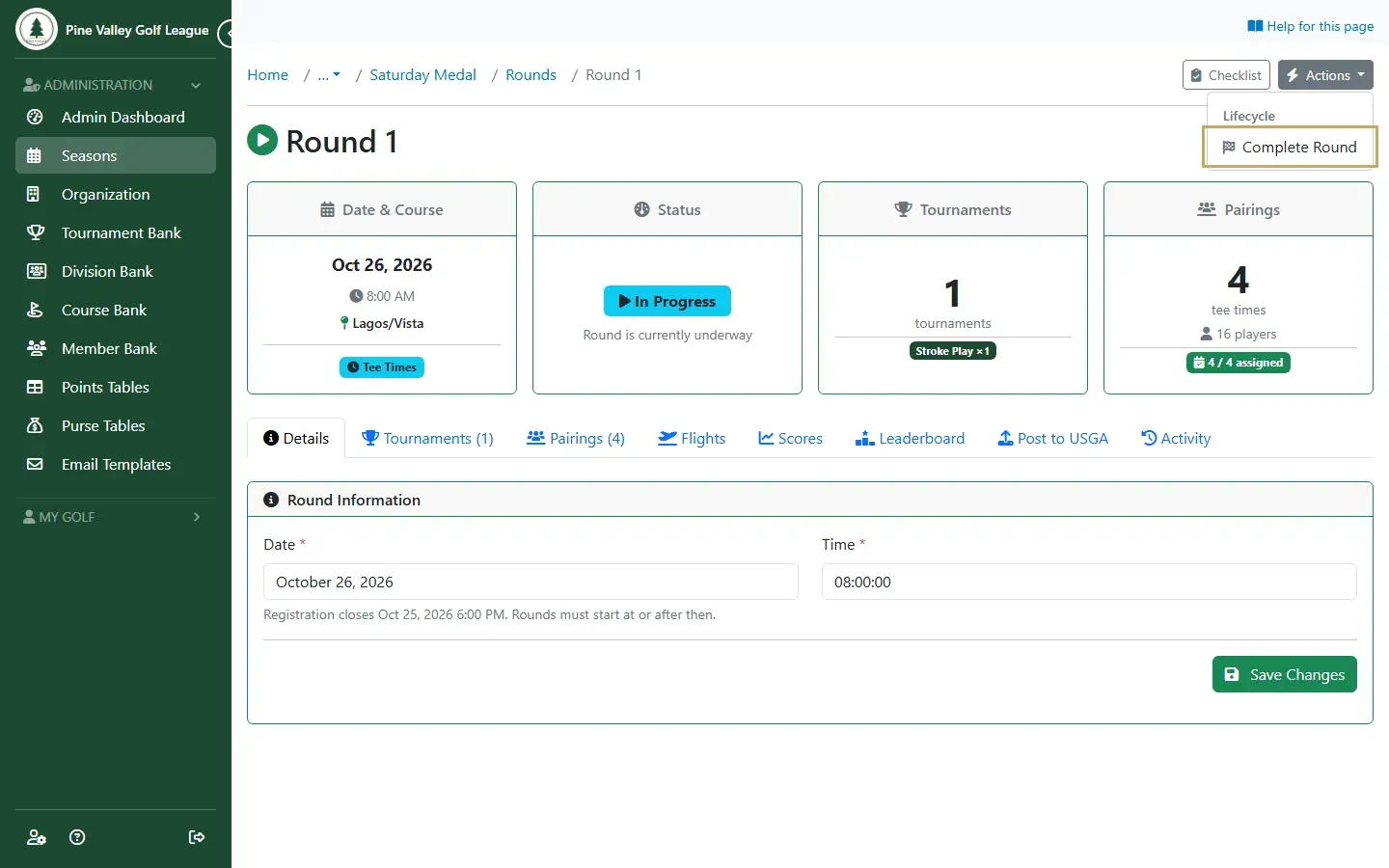
Open the round. In its Actions, choose Complete Round.
-
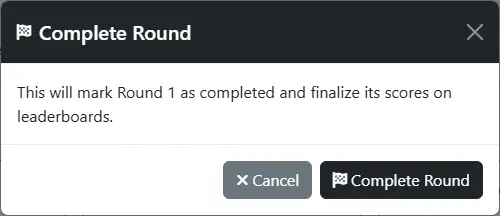
Select Complete Round to confirm.
-
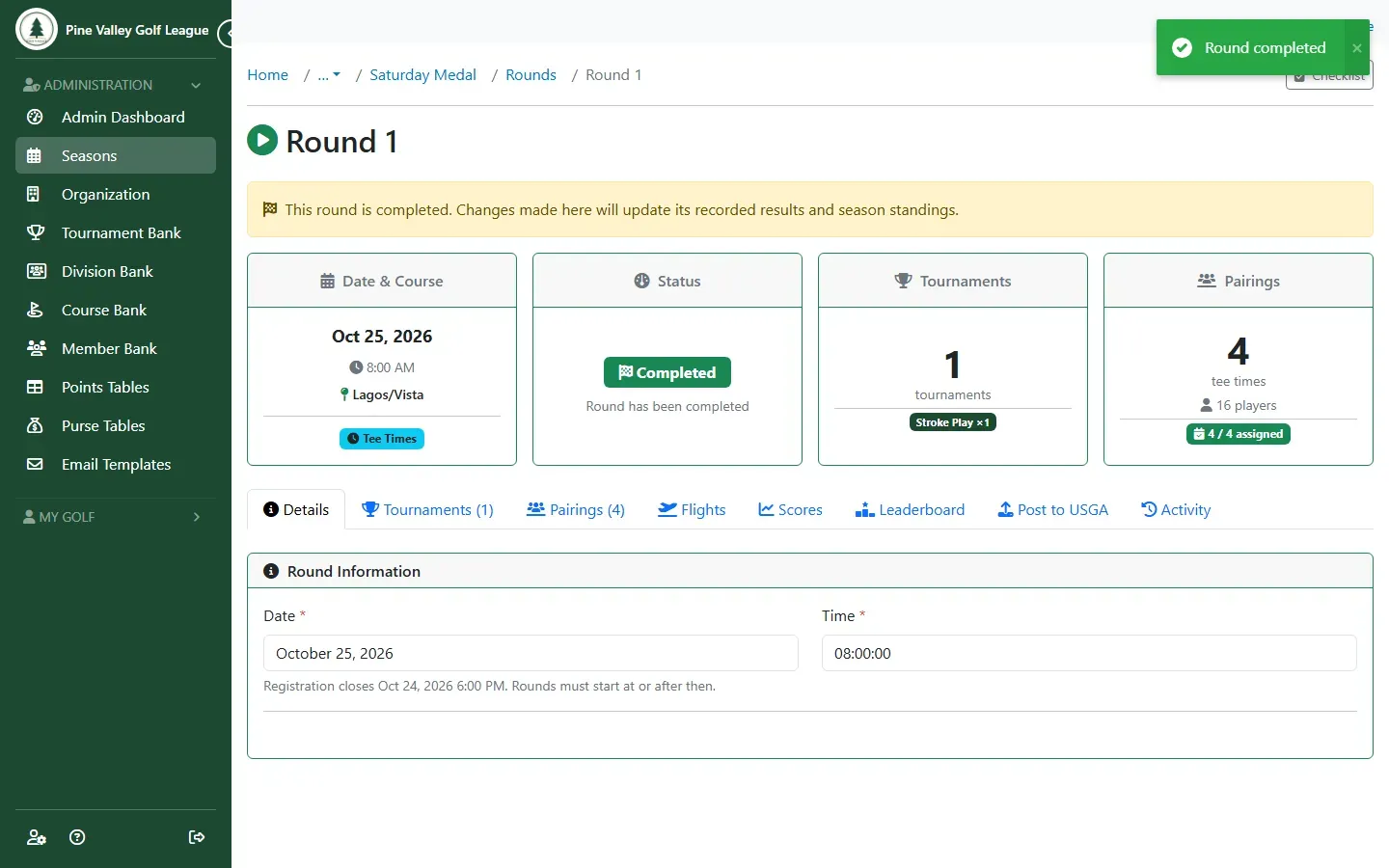
The round is now Completed.
-
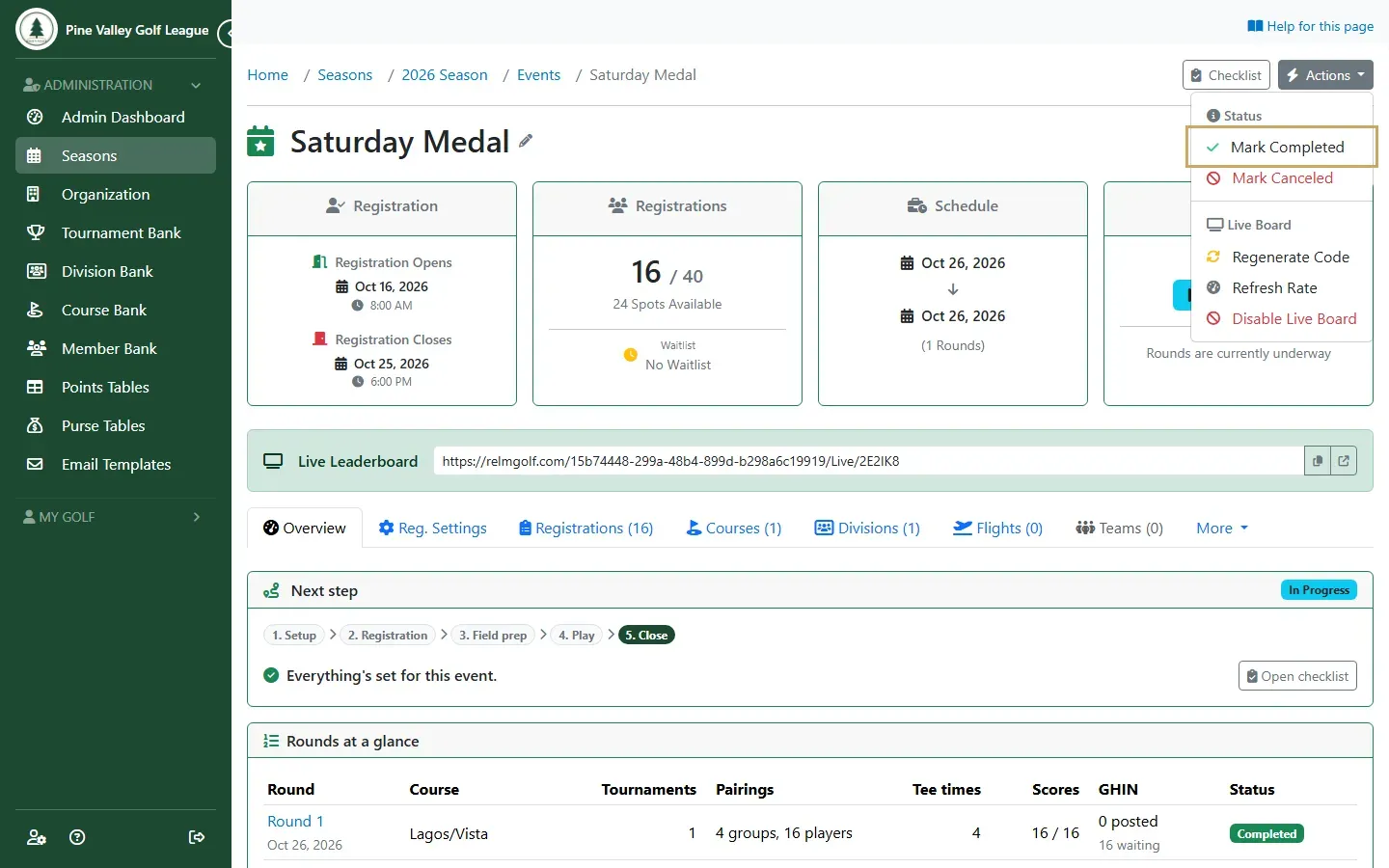
Once every round of the event is completed, open the event’s Actions and choose Mark Completed.
-
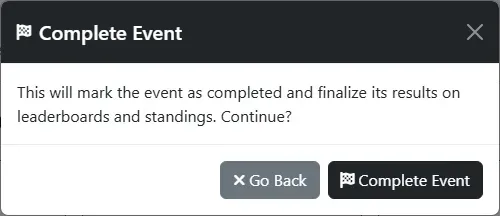
Select Complete Event to confirm.
-
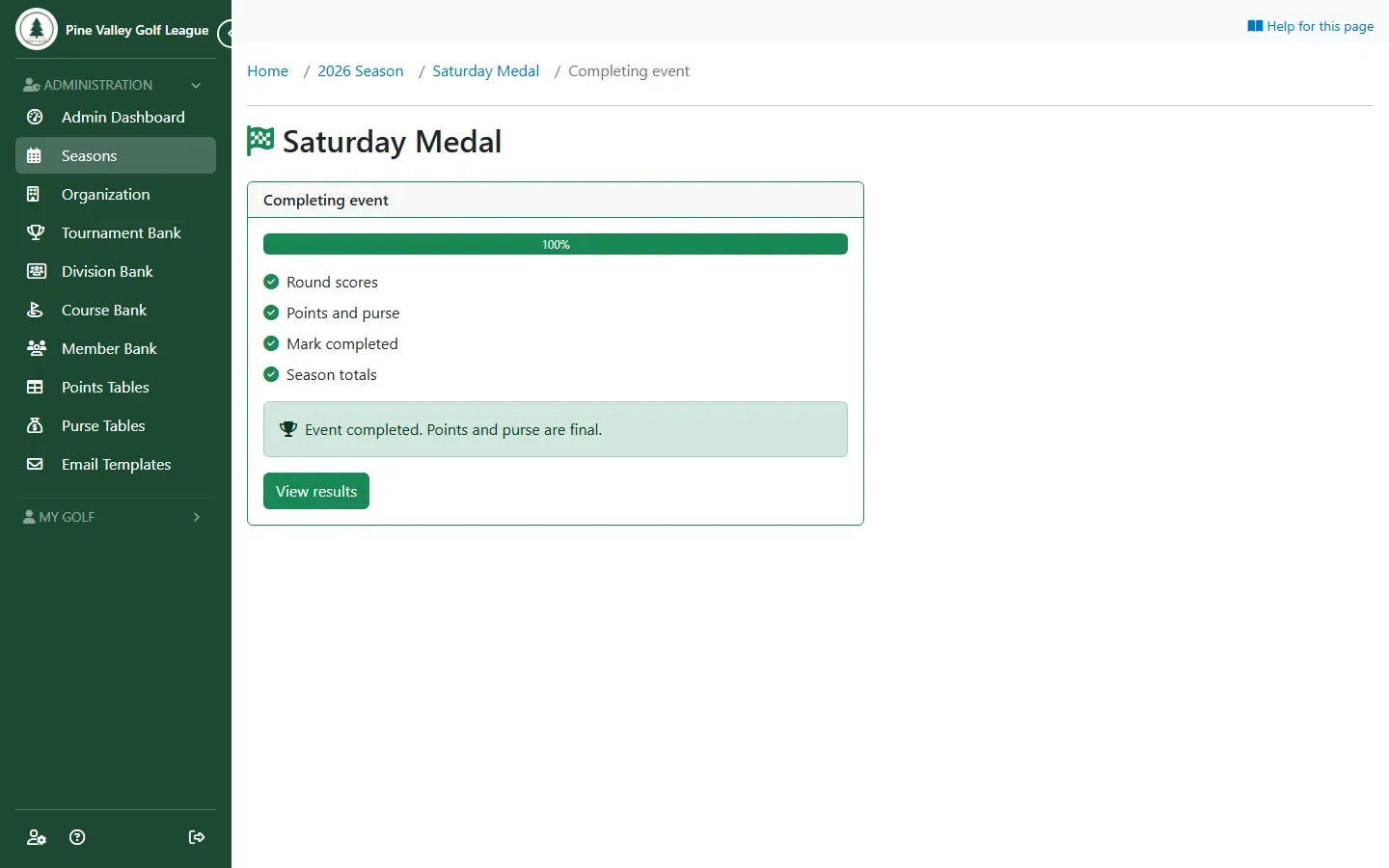
The Completing event page shows each step as it finishes: round scores, points and purse, marking the event completed, and season totals. It takes a few seconds and updates by itself, and you can leave the page while it works. If something stops it, the page says why and the event stays in progress; select Try again.
-
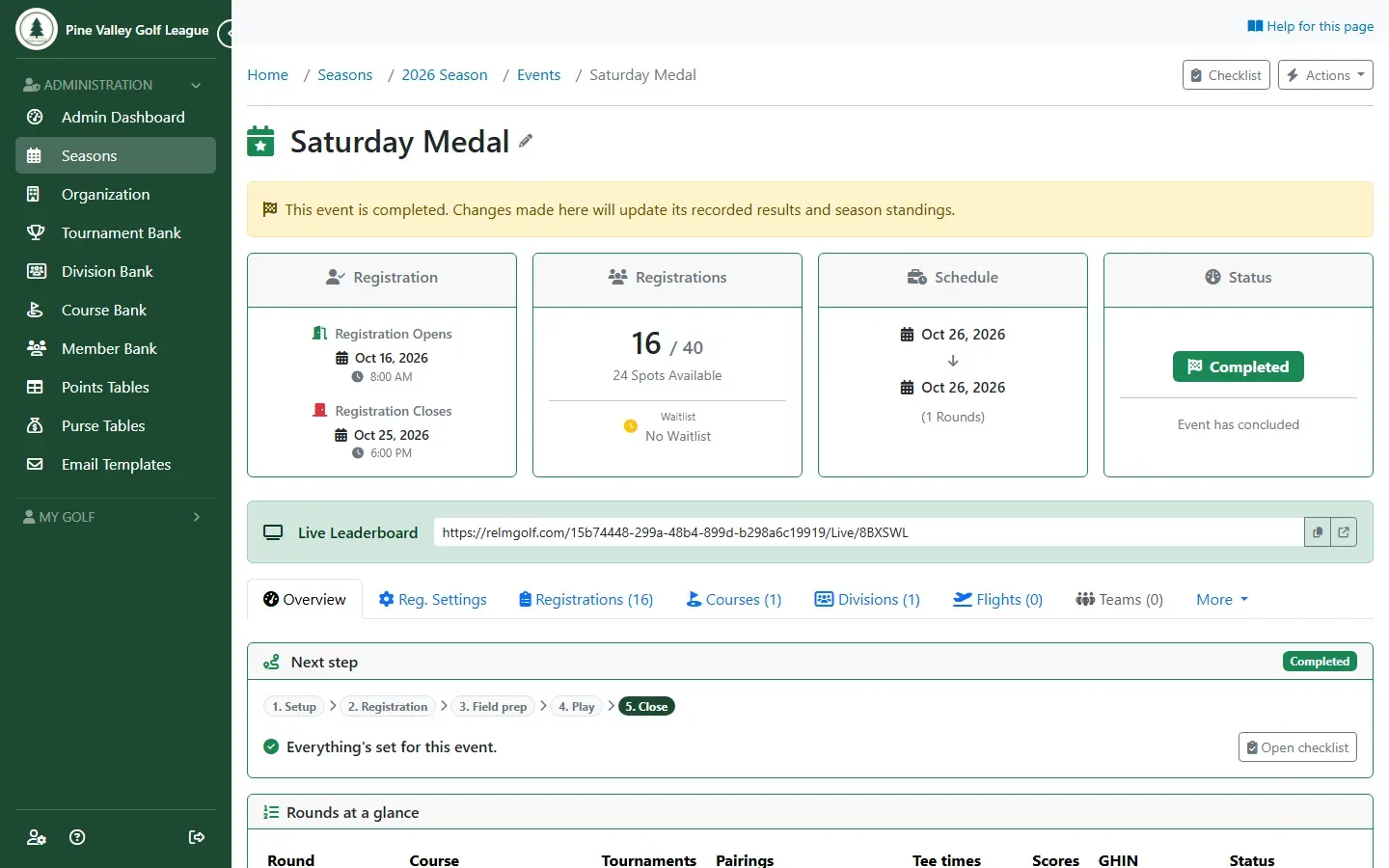
When it’s done, the event is Completed, and a notice at the top says changes will still update its results and the season standings.
-
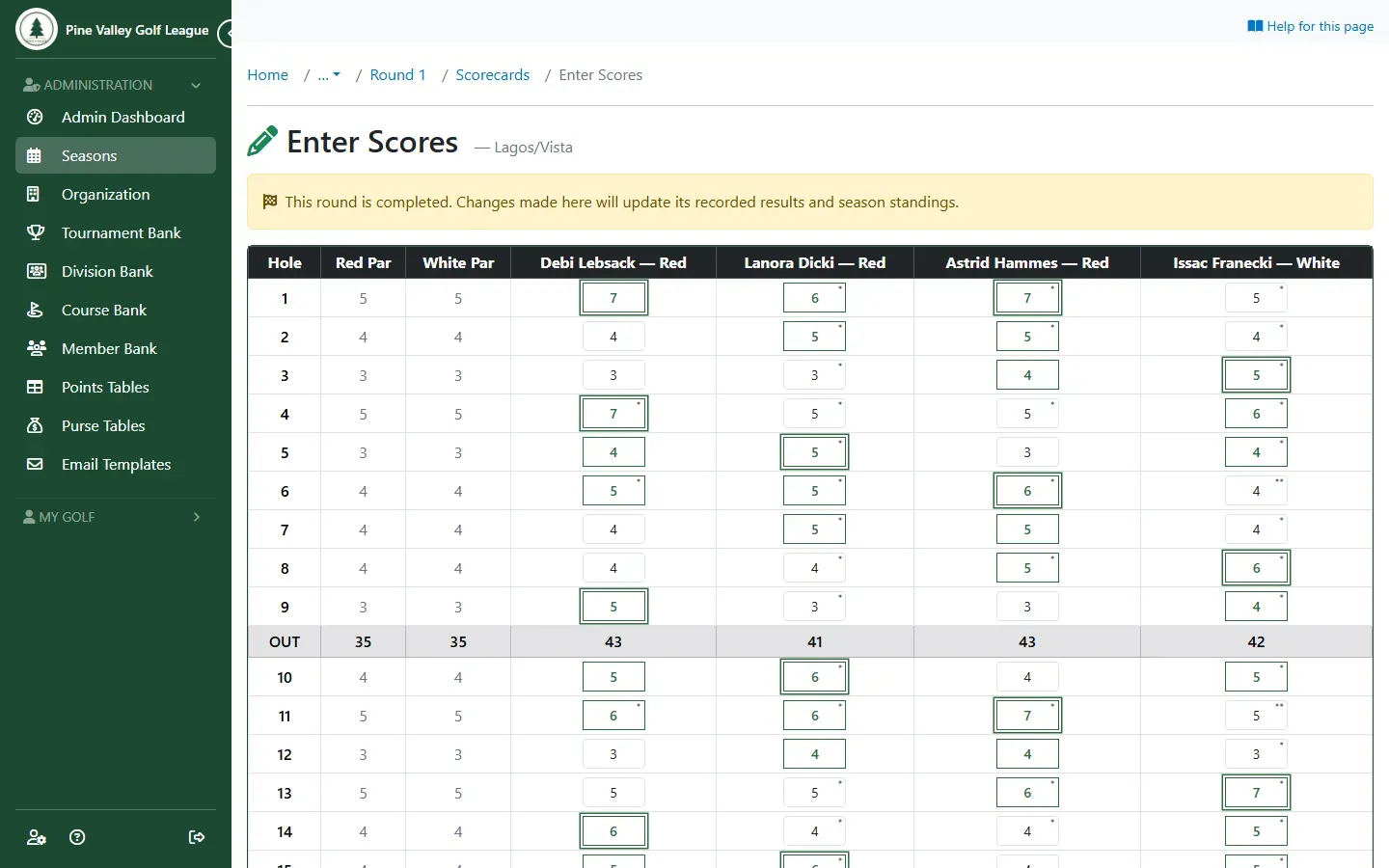
To fix a score later, open the round’s Scores tab and the group’s Enter Scores, as you did on the day. The same notice reminds you the round is completed. Correct the score and select Save Scores: the round’s leaderboard, the event’s results and the season standings all update.