Score your round
During a round, anyone in your group can enter scores for the whole group, hole by hole. Your league’s leaderboard updates as you save. There are two ways in:
- Signed in: if you have a login for your league, start from your dashboard.
- With a group code: if you don’t have a login yet, use your group’s round access code (RAC).
Signed in
Section titled “Signed in”Before you start: your round must have started, and you must be in one of its groups.
-
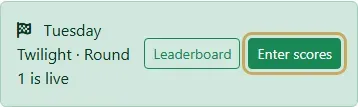
While your round is live, your dashboard shows it at the top. Tap Enter scores.
-
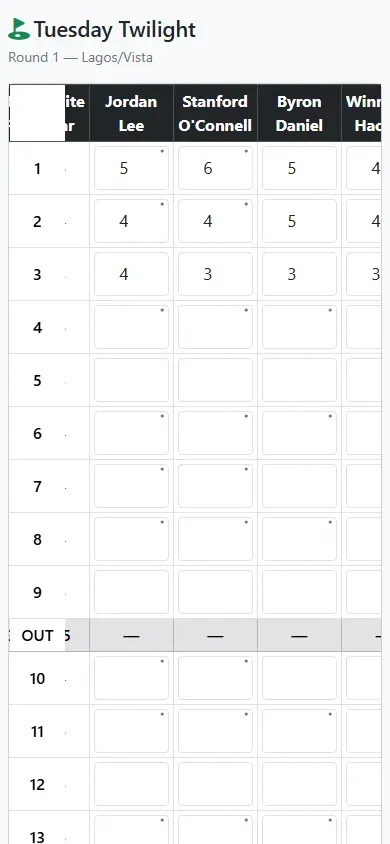
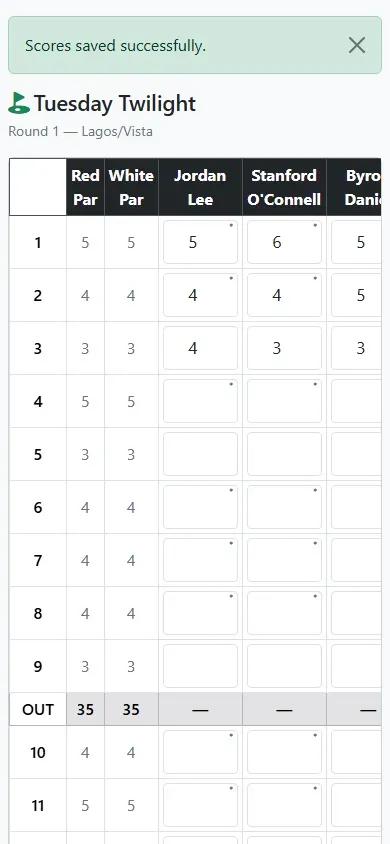
Your group’s scorecard opens, with one column per player and one row per hole. Type each player’s strokes for the holes you’ve played. On a phone, swipe sideways to see everyone in your group.
-
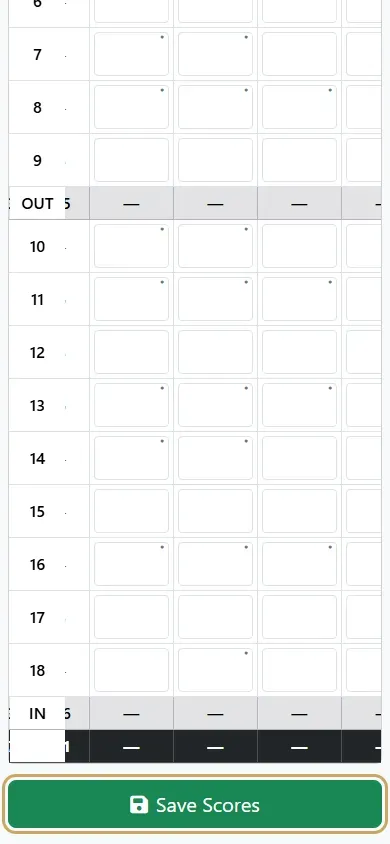
Scroll down and tap Save Scores. Save as often as you like; each save keeps what you’ve entered so far.
-
Scores saved successfully confirms they’re in. They’re now on the leaderboard, and anyone else in your group who opens the scorecard sees them too.
With a group code
Section titled “With a group code”Every group gets its own round access code. Your league sends it with your tee time, or your organizer hands it out. Open the link or the code, and there’s no sign-in.
-
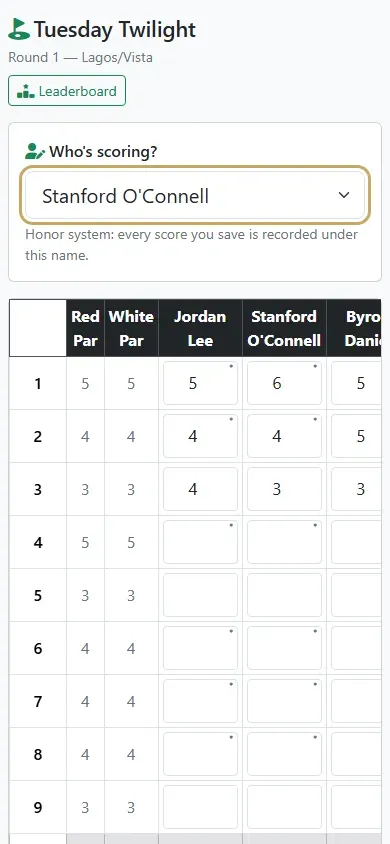
Under Who’s scoring?, choose your name. Every score you save is recorded under it: it’s an honor system, so your league can see who entered what. Only players in your group who don’t have a login are listed.
-
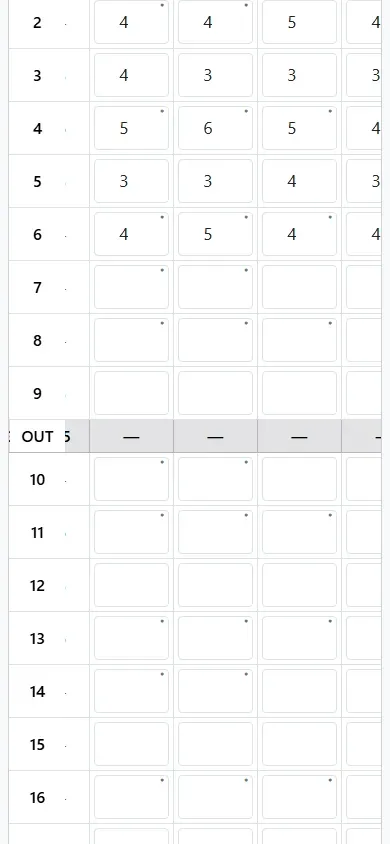
Enter the strokes for the holes you’ve played, the same way as above, and tap Save Scores at the bottom.
-
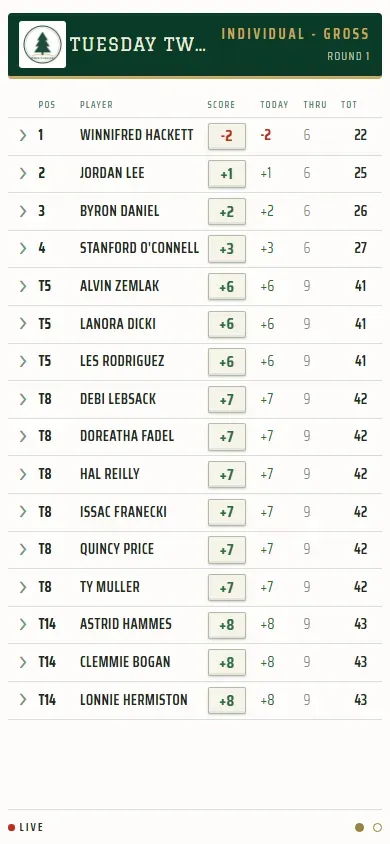
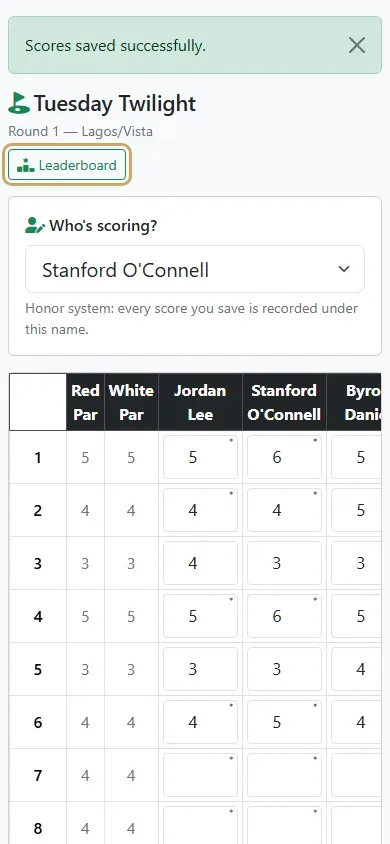
To see how everyone’s doing, tap Leaderboard at the top of the scorecard.
-
The leaderboard updates live as groups save. Tap the arrow beside a player to see their hole-by-hole card.