Your account
Your email and password are yours to change. They’re the same in every league you play in, so a change here applies to all of them.
Before you start: sign in.
-
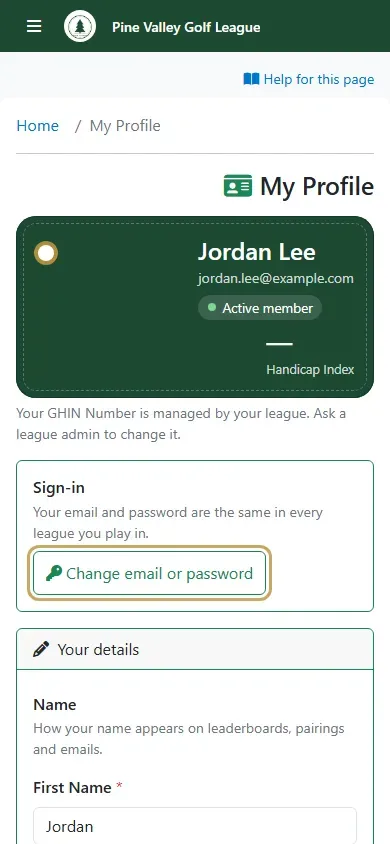
Open the menu and select Profile. Under Sign-in, select Change email or password.
-
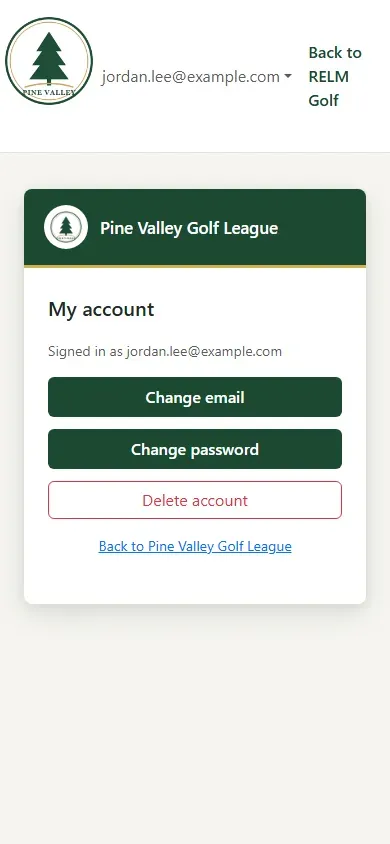
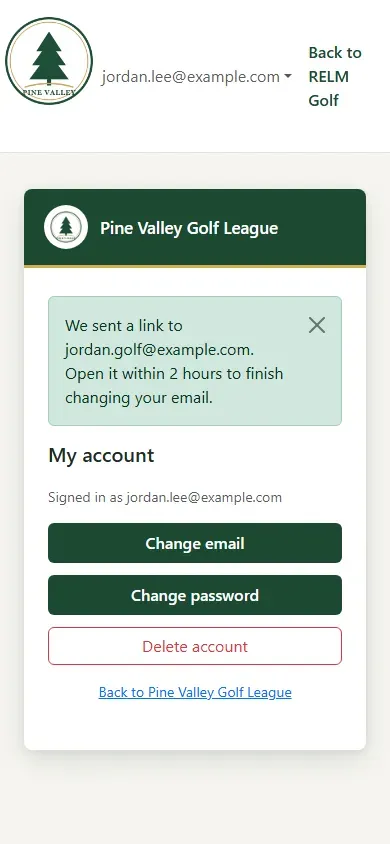
My account shows the email you sign in with. Choose Change email or Change password.
-
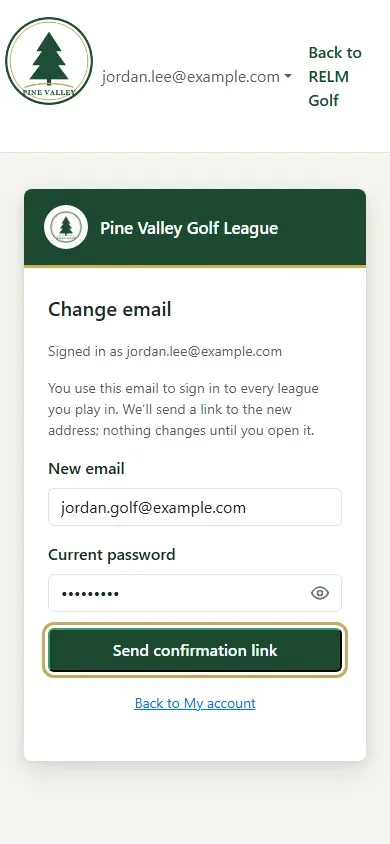
To change your email, enter the New email and your Current password, and select Send confirmation link.
-
RELM Golf emails a link to the new address. Nothing changes until you open it: do that within 2 hours and confirm, and your new email is the one you sign in with.
-
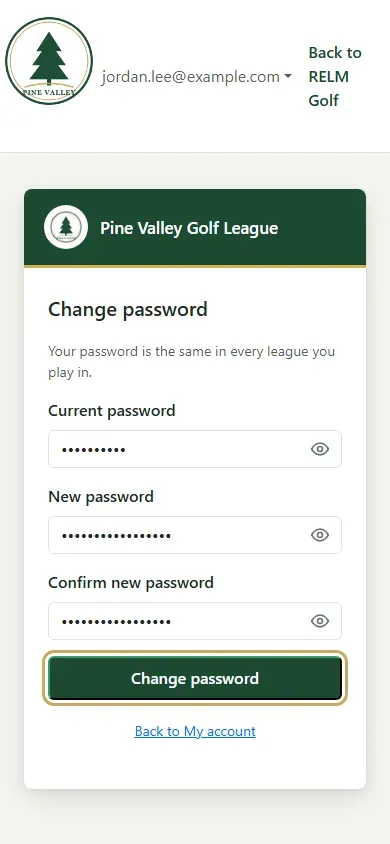
To change your password, enter your Current password, then the New password twice, and select Change password.