Results, standings and your stats
Everything you play in your league adds up in three places: My Scores lists your rounds, League Standings ranks everyone in the season, and My Analytics turns your scores into stats. All three are in the menu, under My Golf.
Before you start: sign in. Results appear once your league has completed a round you played in.
-
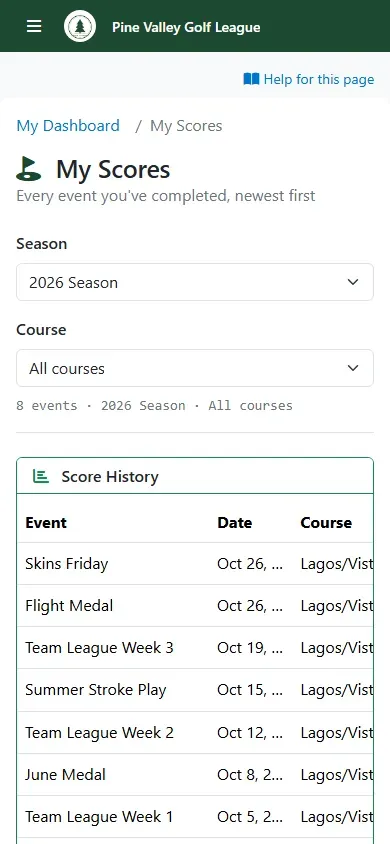
Open the menu and select My Scores. It lists every event you’ve completed, newest first, with your gross and net score and where you finished. On a phone, swipe the list sideways to see every column. Use Season and Course to narrow the list.
-
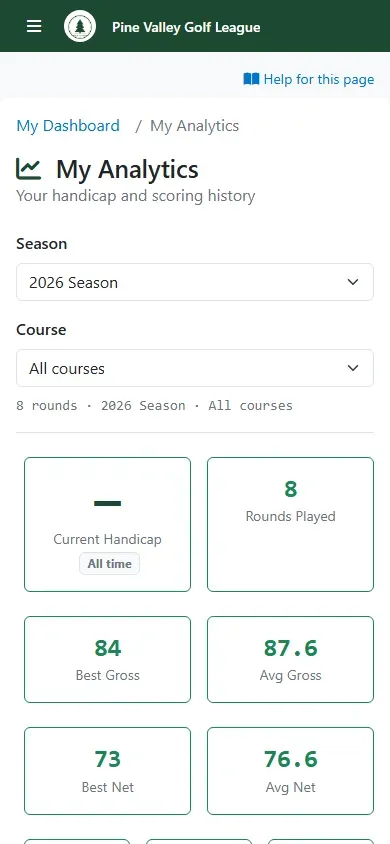
My Analytics sums up your game: your current handicap, rounds played, best and average gross and net scores, and your average on par 3s, 4s and 5s. The same Season and Course filters apply.
-
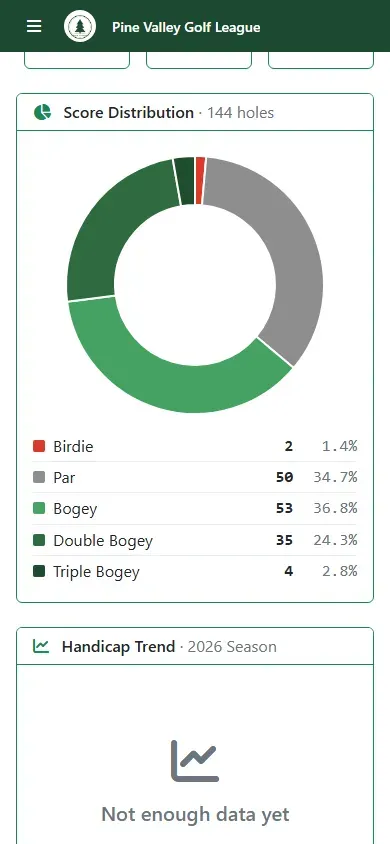
Further down, Score Distribution shows how often you make par, bogey and so on, and Handicap Trend follows your handicap over the season.
-
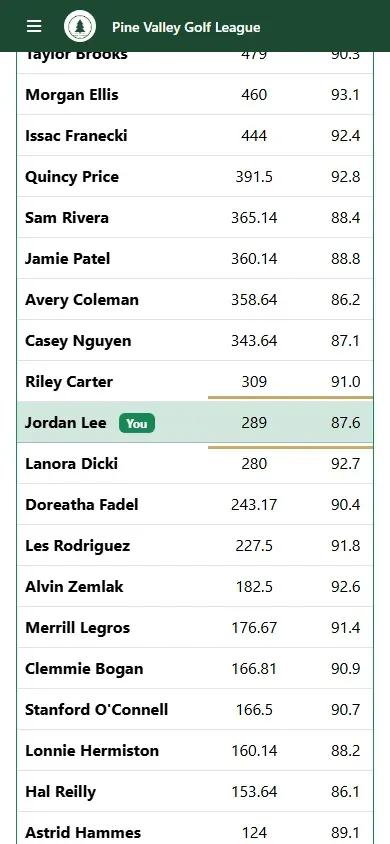
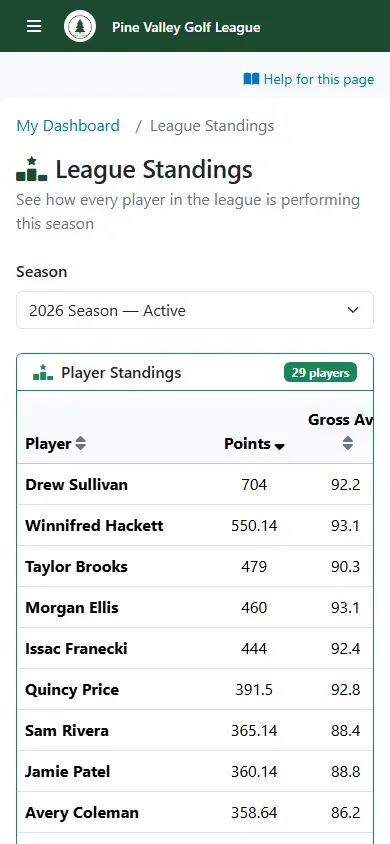
League Standings ranks every player in the season by points, with their gross and net averages, low rounds, purse winnings and rounds played. Only completed events count: points from an event still being played can change, so they show up once your league completes it. On a phone, swipe the table sideways; the names stay in place. Choose a past season from Season, and select a column heading to sort by it.
-
Your own row is highlighted and marked You.