Restore a deleted event or season
Deleting an event or a season doesn’t erase it. It moves to a Recycle Bin, where it stays until you restore it: nothing is ever emptied automatically. Each season has its own bin for its events, and the Seasons page has one for seasons.
Before you start: you need to be a league admin.
Events
Section titled “Events”-
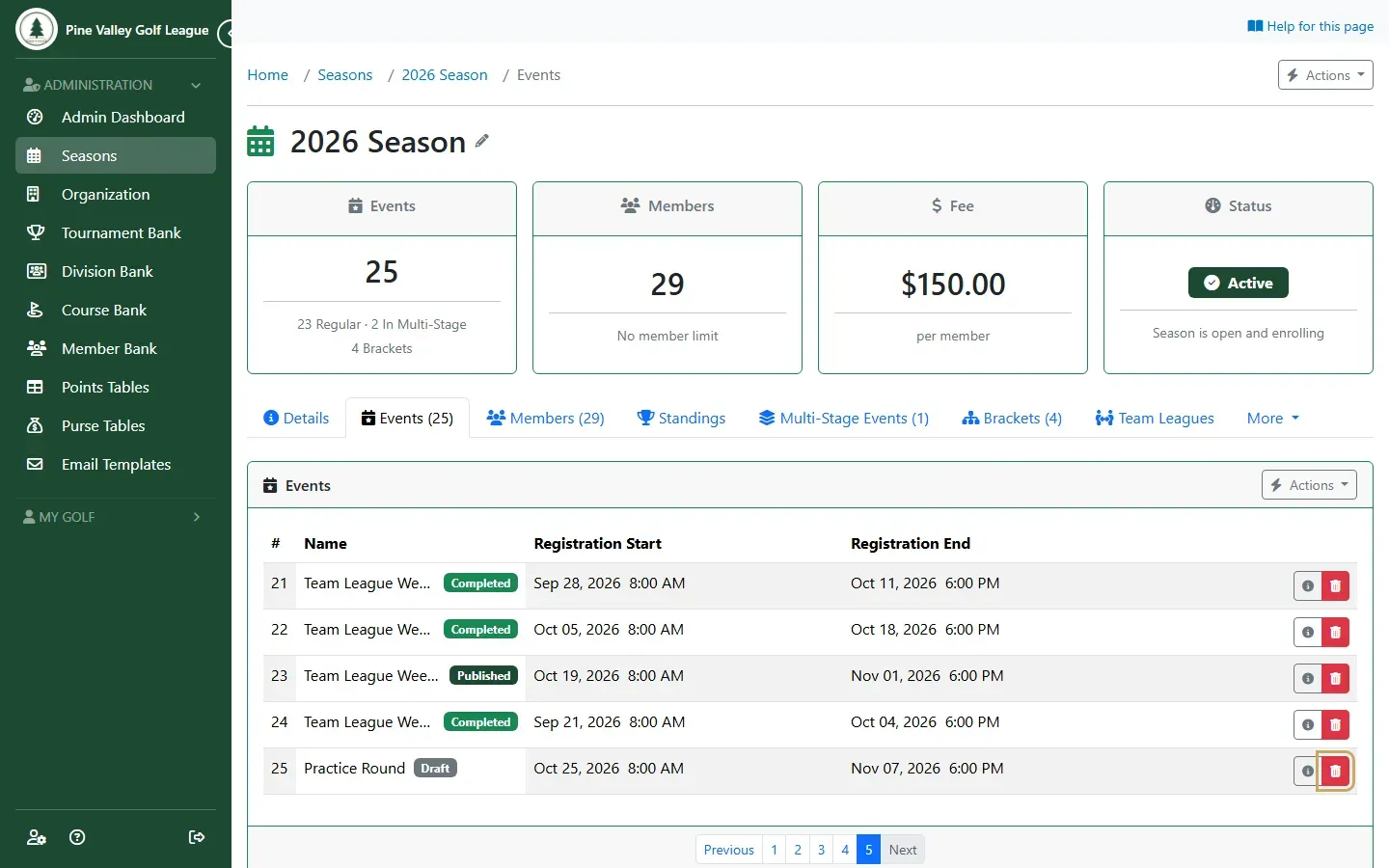
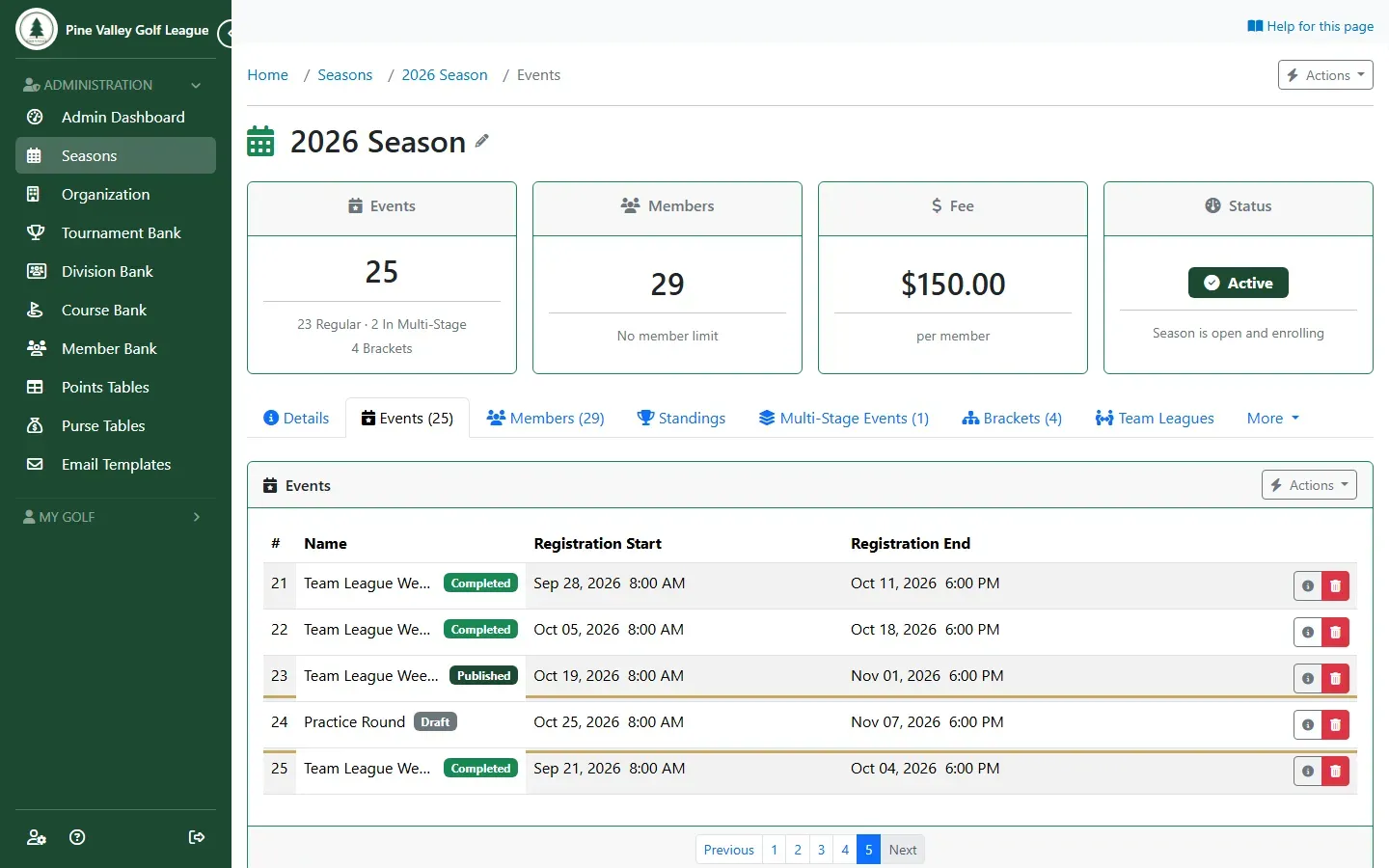
Open the season and go to its Events tab. The red trash button on an event’s row deletes it.
-
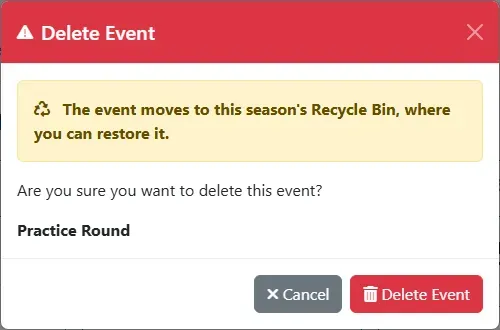
The Delete Event dialog says where the event goes. Select Delete Event: it leaves the list, and it no longer counts in the season standings.
-
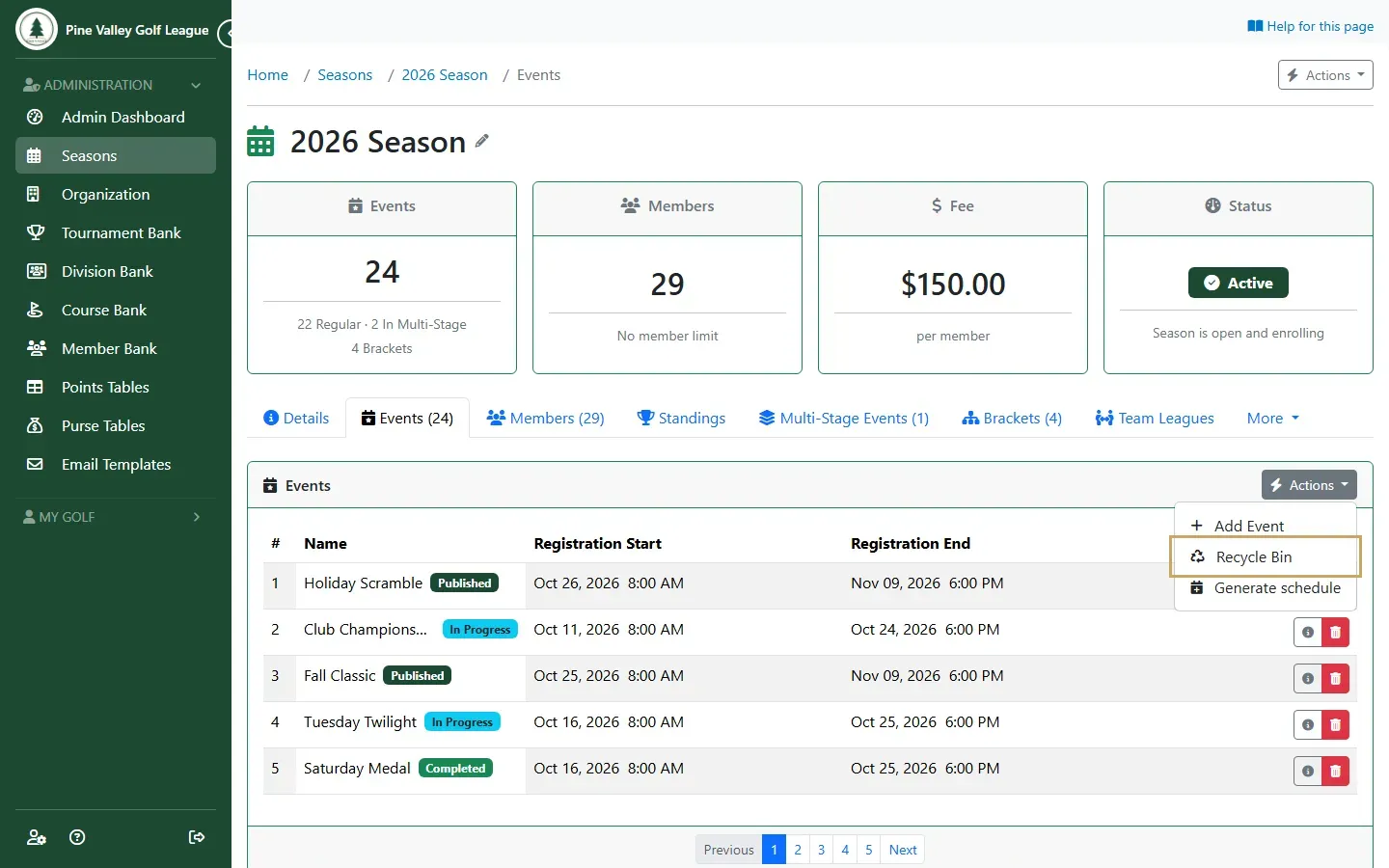
To find it again, open Actions on the Events tab and choose Recycle Bin.
-
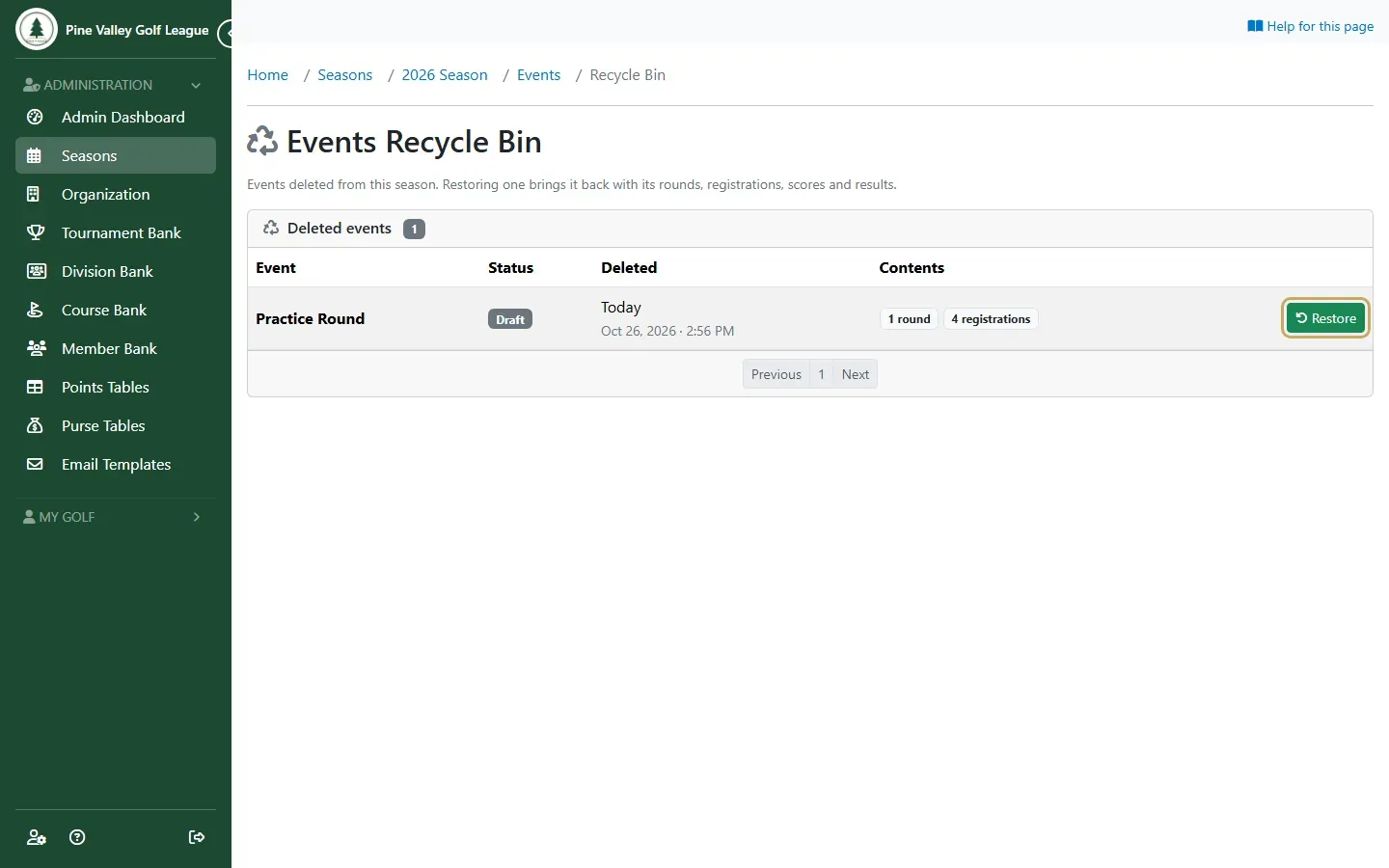
The Events Recycle Bin lists the season’s deleted events, newest first, with each one’s status, when it was deleted and what it holds. Select Restore on the one you want back.
-
The event is back on the Events tab exactly as it was: its rounds, registrations, scores and results, and its status. Its points count in the season standings again.
Seasons
Section titled “Seasons”-
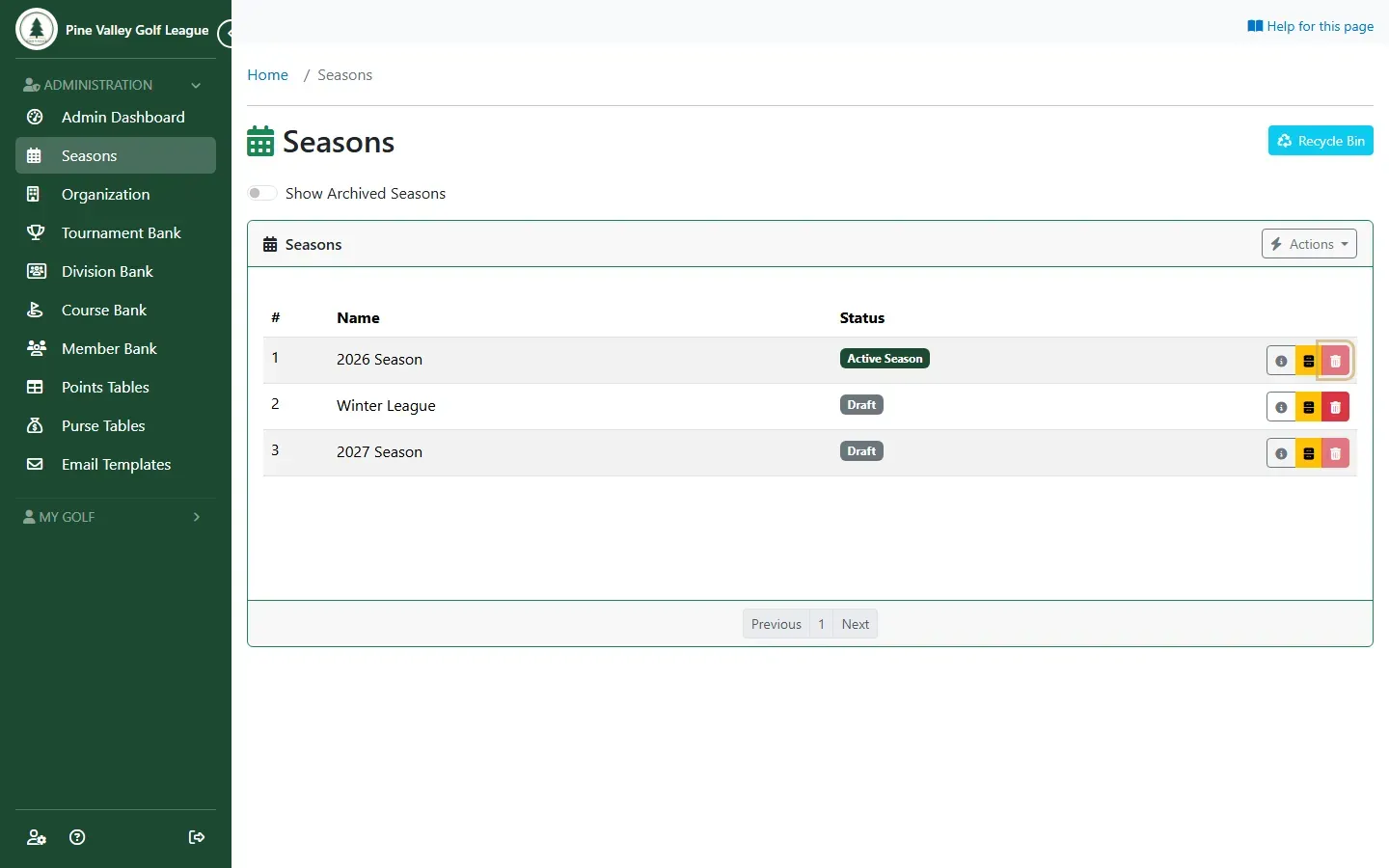
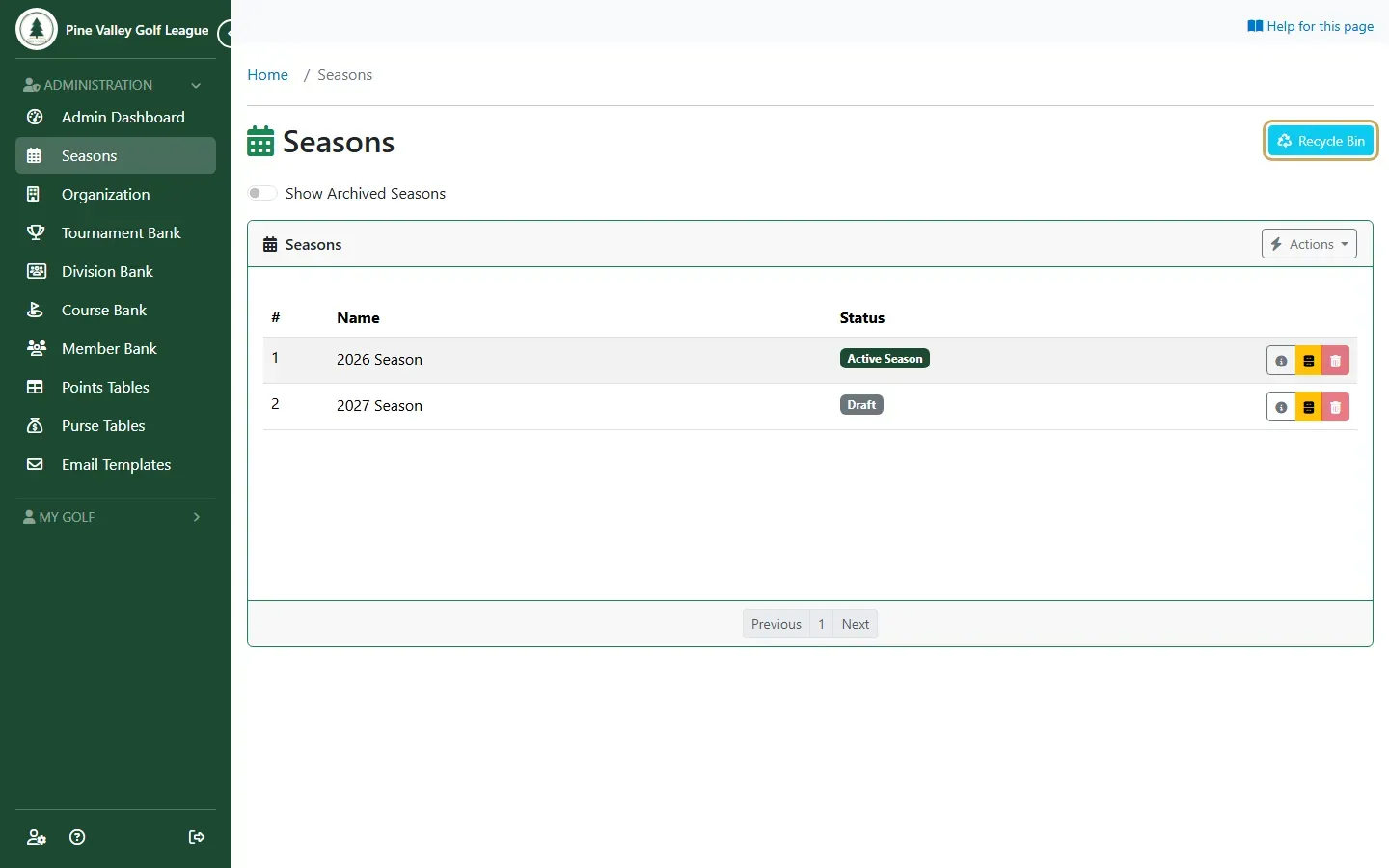
On the Seasons page, the red trash button deletes a season. Only an empty season can be deleted: a season with any events or members shows a greyed-out button, and hovering over it says “Remove this season’s events and members first”. This keeps a season with results from disappearing by mistake.
-
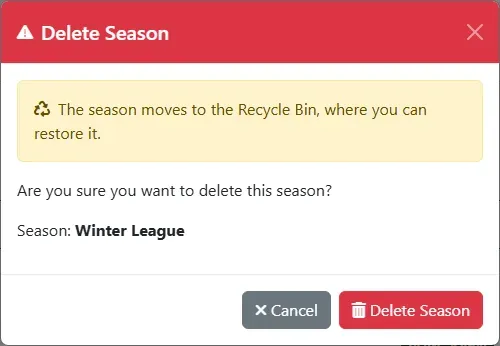
On an empty season, the trash button opens Delete Season. Select Delete Season to move it to the Recycle Bin.
-
The Recycle Bin button at the top of the Seasons page opens the seasons’ bin.
-
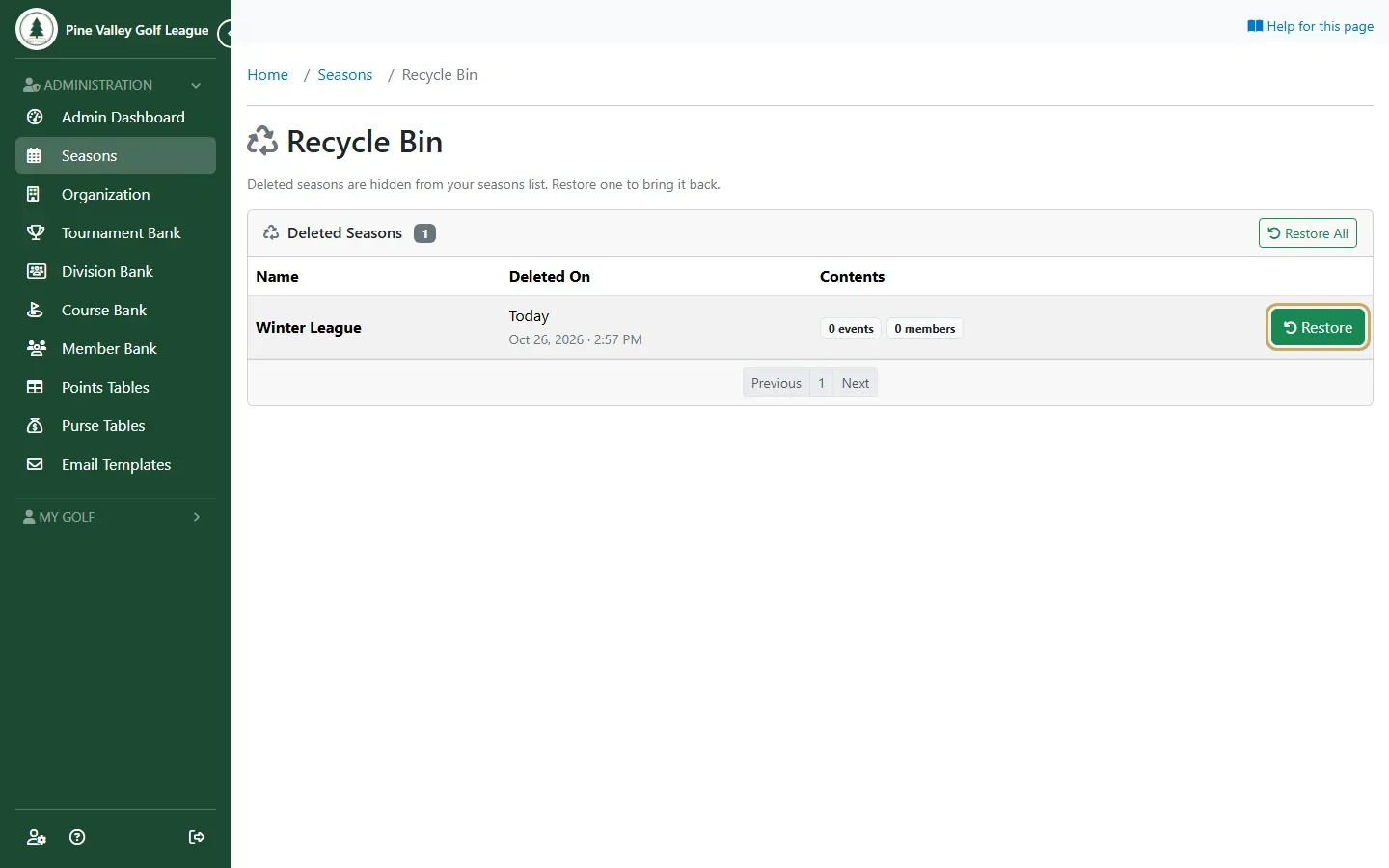
Select Restore on a season to put it back on the Seasons list. Restore All brings back every deleted season at once.