Round results and skins
Every round your league plays has its own results: the standings for each tournament in the round, and the skins games, with who won each skin and where. You can follow them live while the round is played, and look back at them afterwards.
-
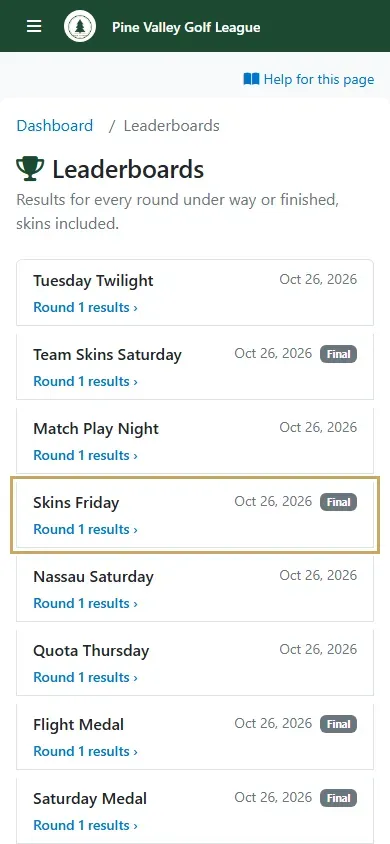
In the menu, open Leaderboards. It lists your league’s events with a round under way or finished, newest first. Under each event, pick Round 1 results (or the round you want). While you’re playing, the dashboard’s live round card has a Leaderboard button that goes straight there.
-
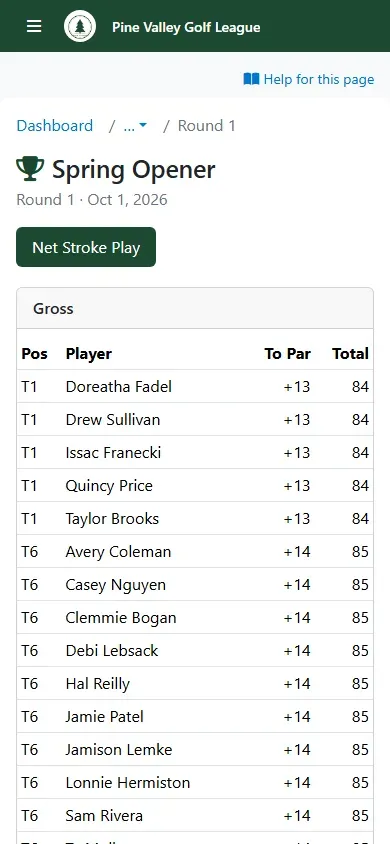
The round’s page shows each of its tournaments as a tab. Tap a tab to see that tournament’s standings, gross and net.
-
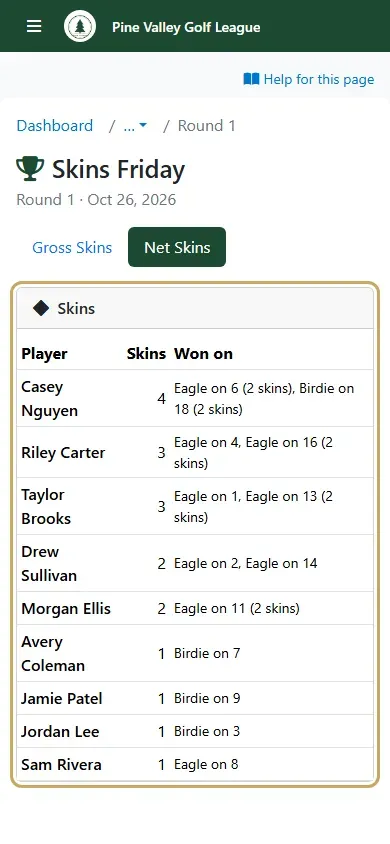
Tap a skins game’s tab to see the skins: each winner, how many skins they won, and where, for example “Birdie on 7 (2 skins)” when a tied hole carried over. Skins still carried over are counted underneath.