
Set your guest policy
Your guest policy is the league-wide default for guests. Each event can change it for itself in its Registration Settings (Open an event to guests).
Before you start: you need to be a league admin.
-
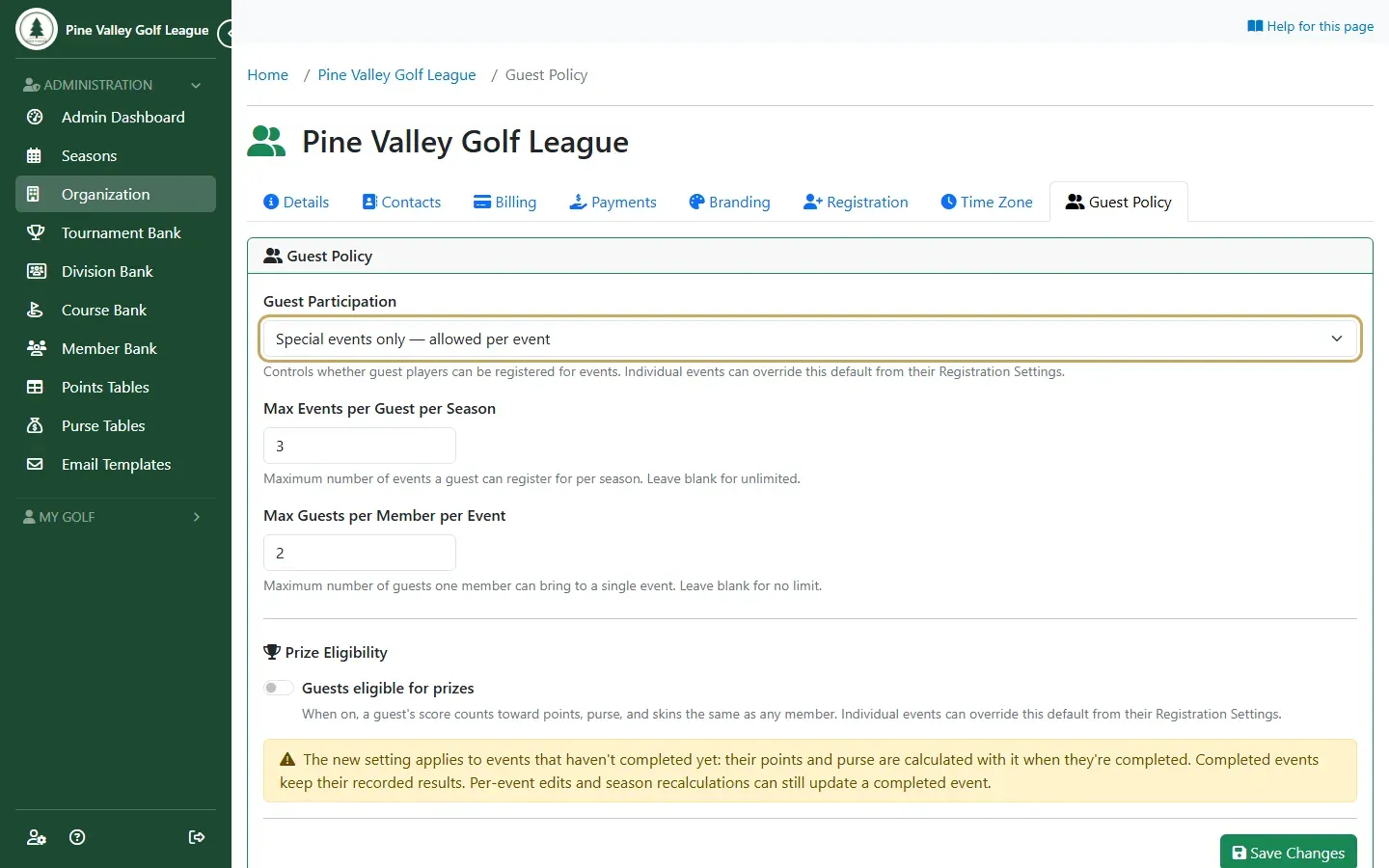
Open Organization and choose the Guest Policy tab. Under Guest Participation, choose where guests can play:
- Disabled — guests cannot register for any event: your league doesn’t take guests.
- Special events only — allowed per event: guests can only play in the events you open to them, such as a member-guest day. This is the usual choice.
- All events — allowed everywhere by default: guests can play in any event, unless you close one to them.
-
Set the limits, or leave them blank for no limit:
- Max Events per Guest per Season: how many events one guest can play in a season. After that, they should become a member.
- Max Guests per Member per Event: how many guests one member can bring to the same event.
-
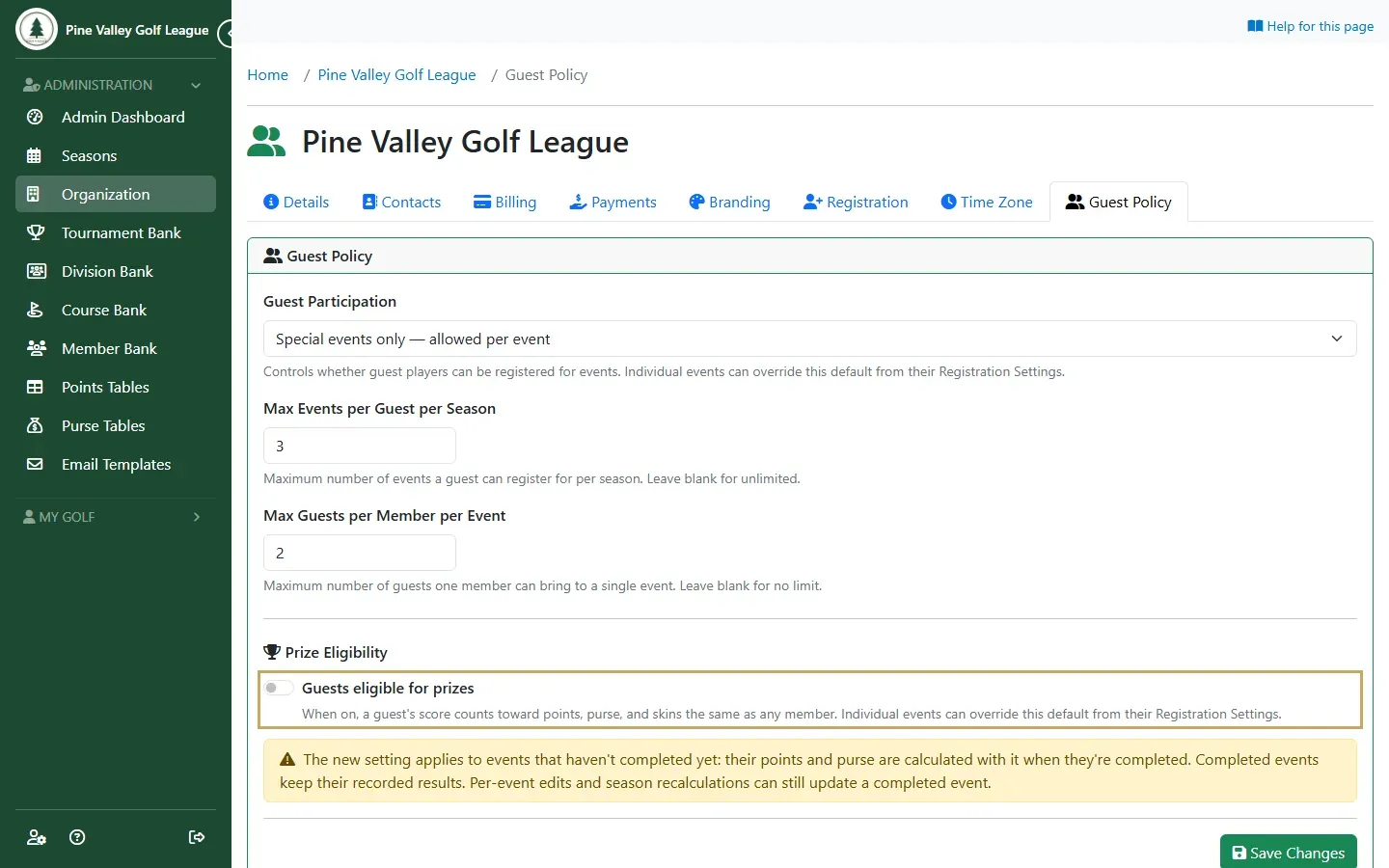
Under Prize Eligibility, turn on Guests eligible for prizes if a guest’s score should count toward points, purse and skins the same as a member’s. Leave it off and guests still play and appear on the results with their score, but the points and money go to the members. Select Save Changes.
Next: Add guests and sponsors.