Set up a team league
You create the league, add its teams and tick the rounds that are league weeks. RELM Golf then builds the schedule so every team plays every other team.
Before you start:
- Team leagues are on the Birdie plan and up.
- The season has its members (Create and start a season). Teams are made of active season members; guests can’t join.
- The league weeks are rounds of the season’s events that haven’t been played yet, so create those events first (Create an event, or Generate a season schedule for a weekly series).
-
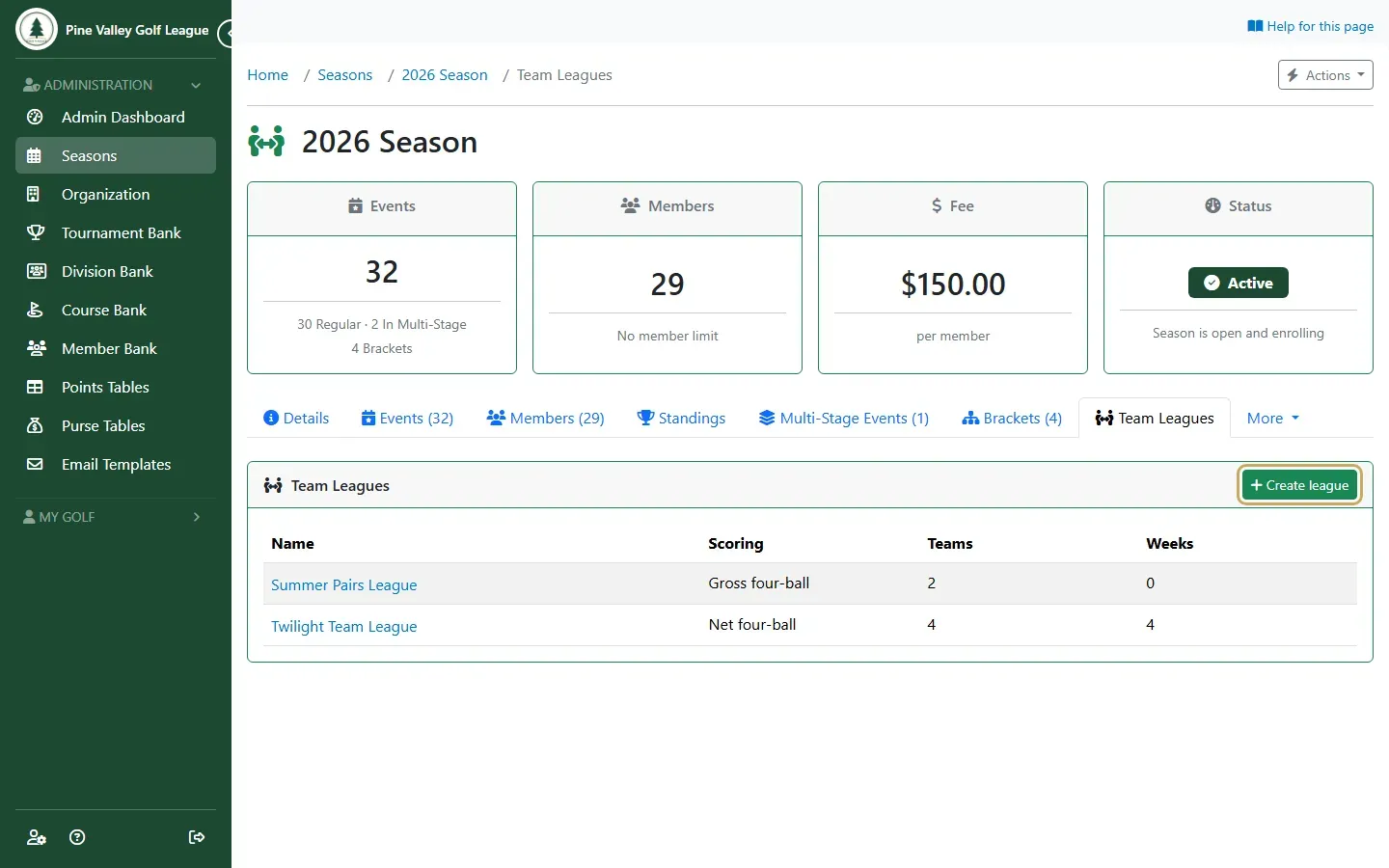
Open the season and its Team Leagues tab, then select Create league.
-
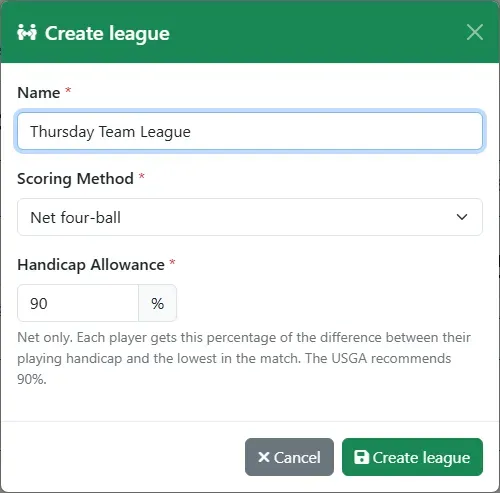
Give the league a Name and choose its Scoring Method:
- Net four-ball: each player gets the Handicap Allowance (90% by default, as the USGA recommends) of the difference between their playing handicap and the lowest in the match.
- Gross four-ball: no strokes.
Select Create league.
-
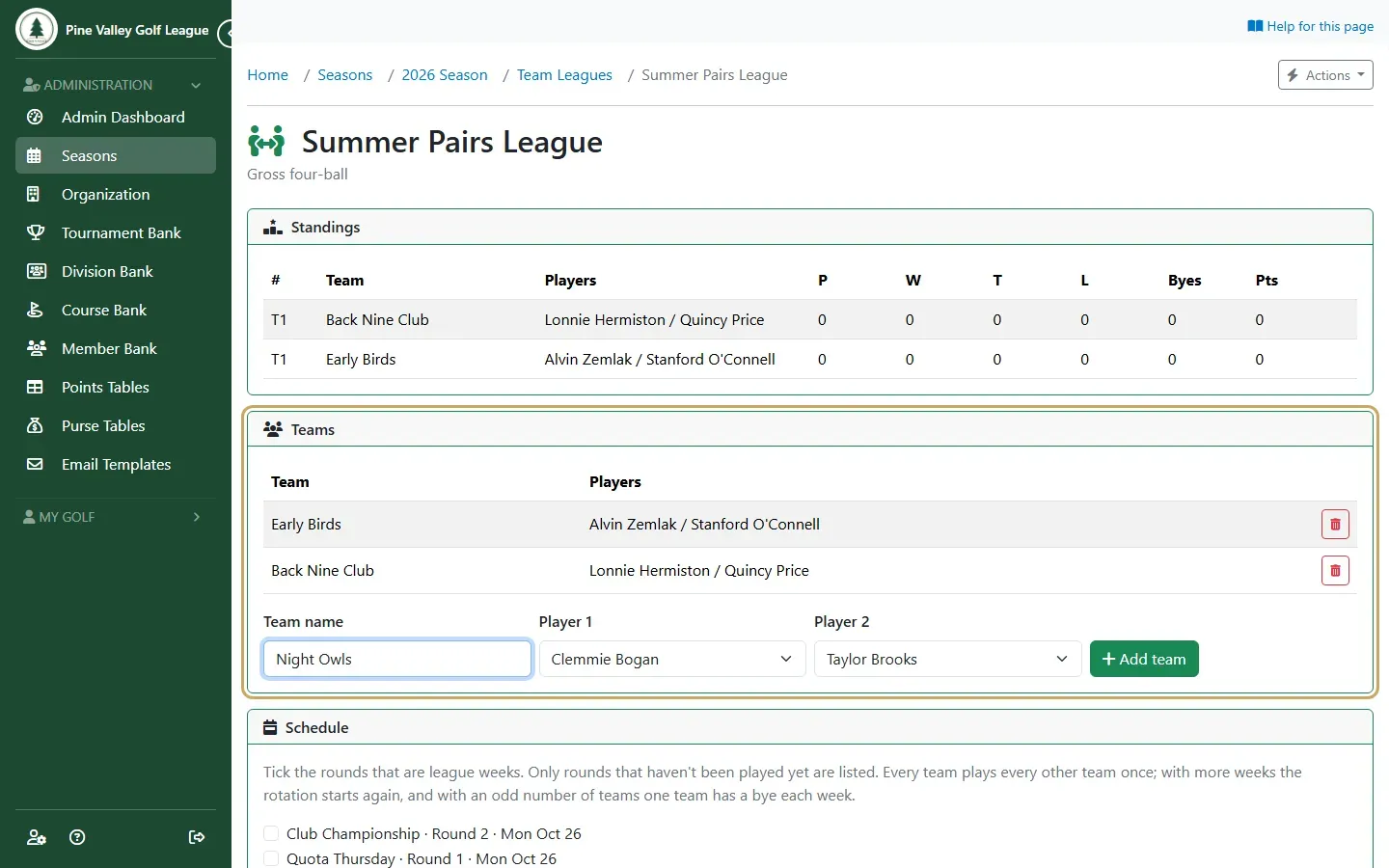
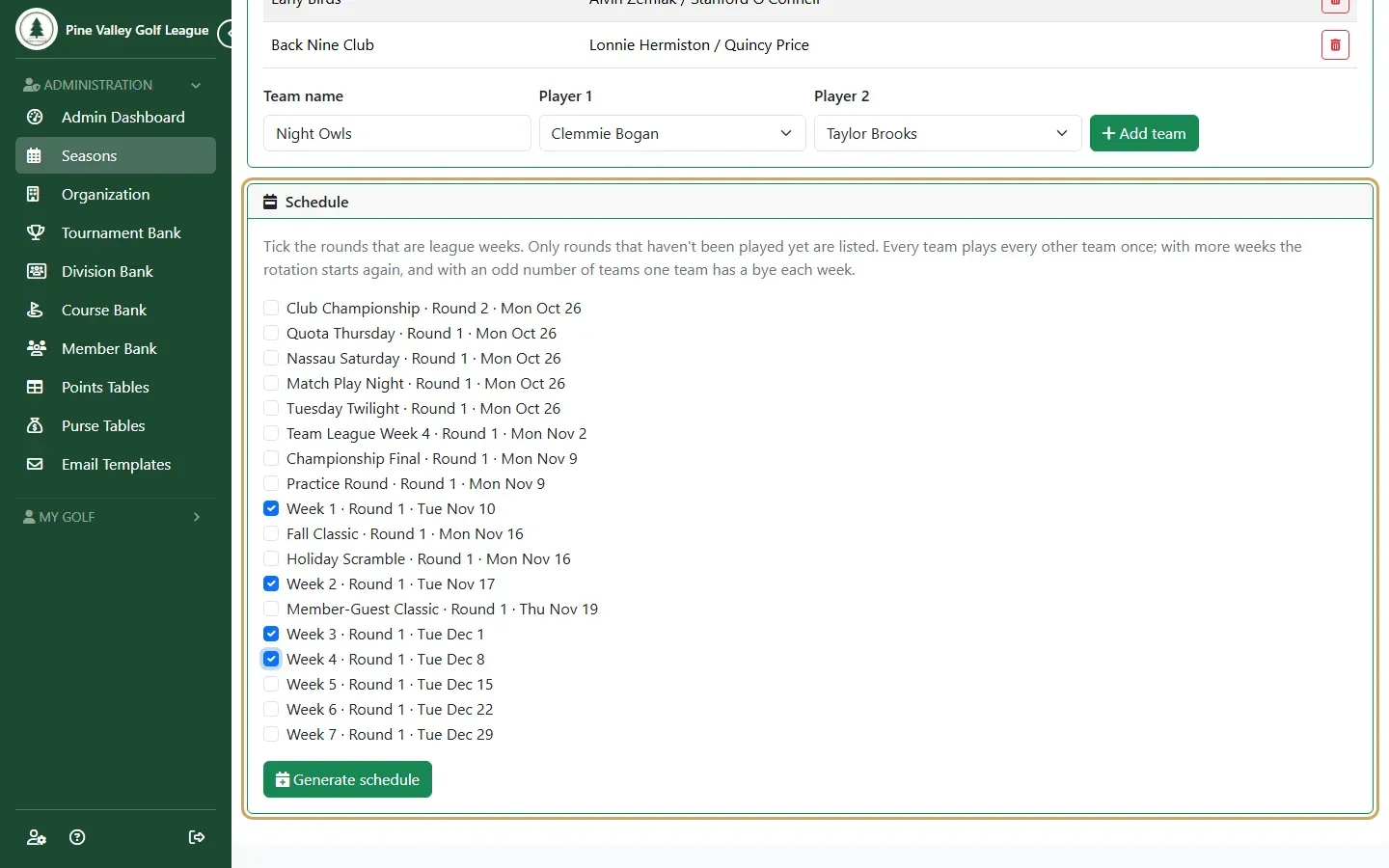
Add the teams. For each one, type a Team name, choose Player 1 and Player 2, and select Add team. A player can be on one team per league, so the lists only offer players who aren’t on a team yet.
-
Under Schedule, tick the rounds that are league weeks and select Generate schedule. Every team plays every other team once; if you pick more weeks than that takes, the rotation starts again. With an odd number of teams, one team has a bye each week (a bye earns no points).
-
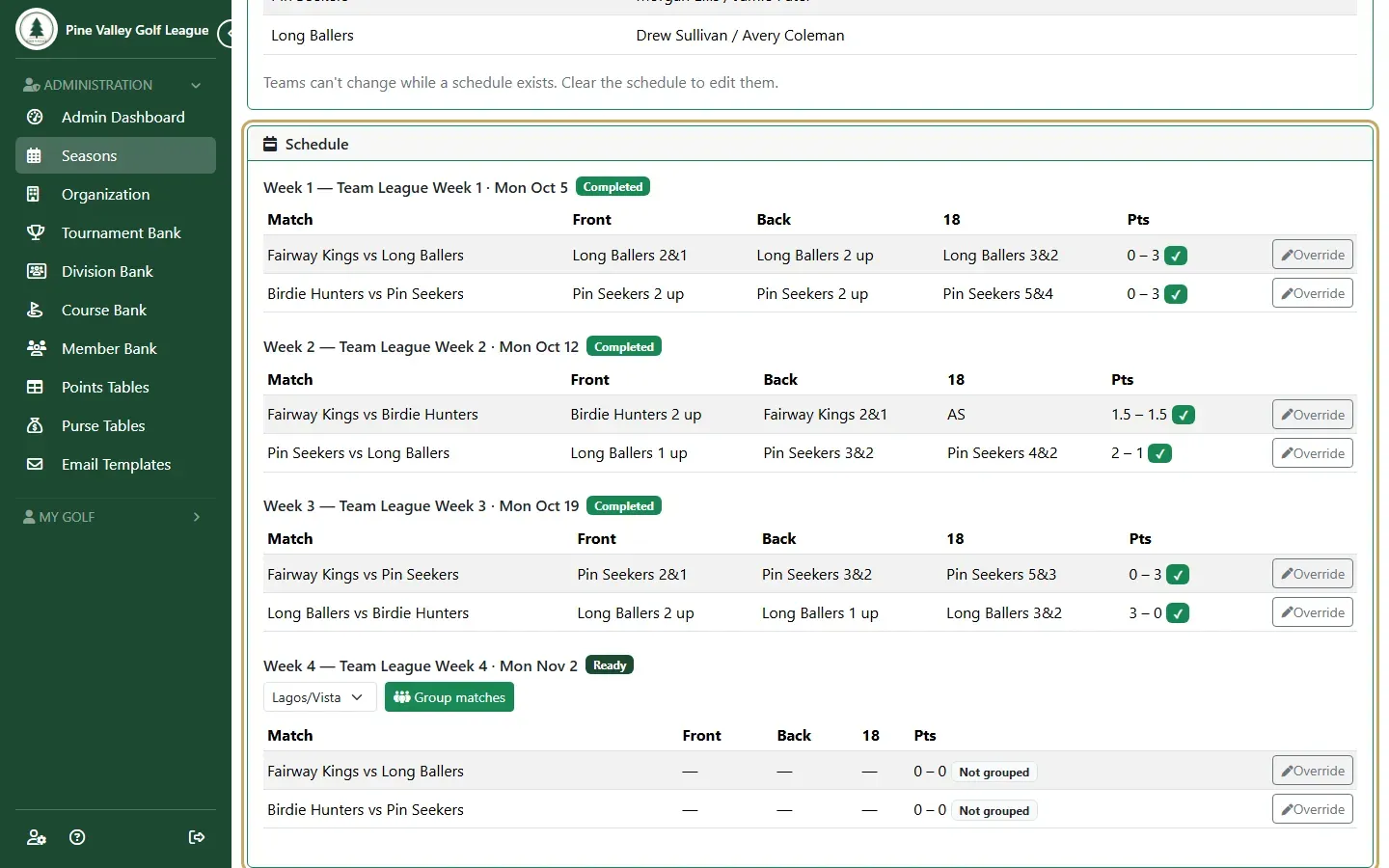
The schedule lists each week with its matches. Now run the league week by week (Run a team league).