Sign in for the first time
You don’t sign up for RELM Golf yourself: your league adds you and sends you an invitation by email. Opening it lets you choose your password, and then you’re signed in. It takes a minute.
Before you start: find the email from RELM Golf called Set up your … account, with your league’s name in it. If you can’t find it, check your spam folder, or ask your league admin to send it again.
-
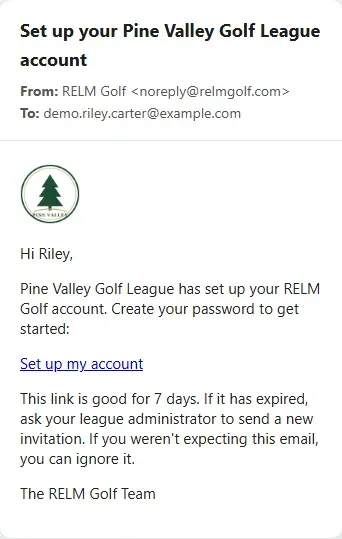
Open the invitation email and select Set up my account. The link works for 7 days.
-
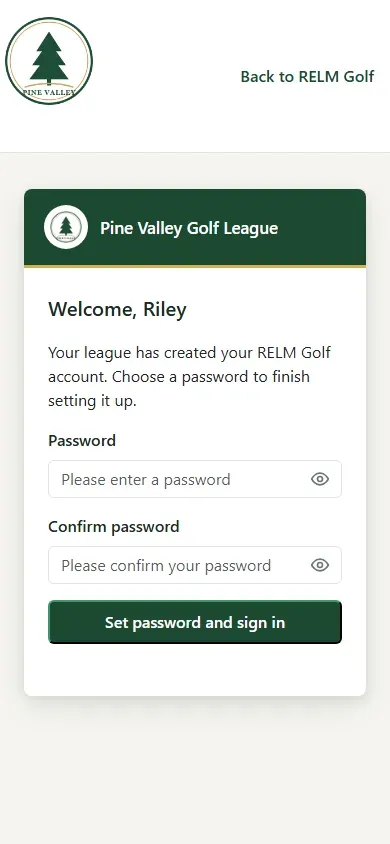
The page welcomes you by name. It’s your league’s page on RELM Golf, with your league’s logo.
-
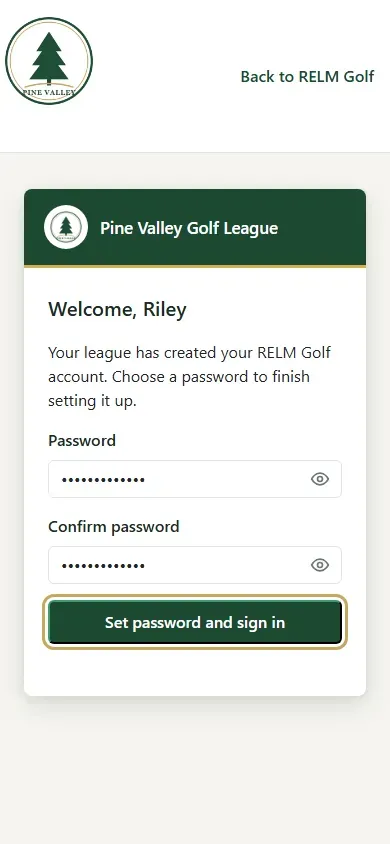
Type a password twice and select Set password and sign in.
-
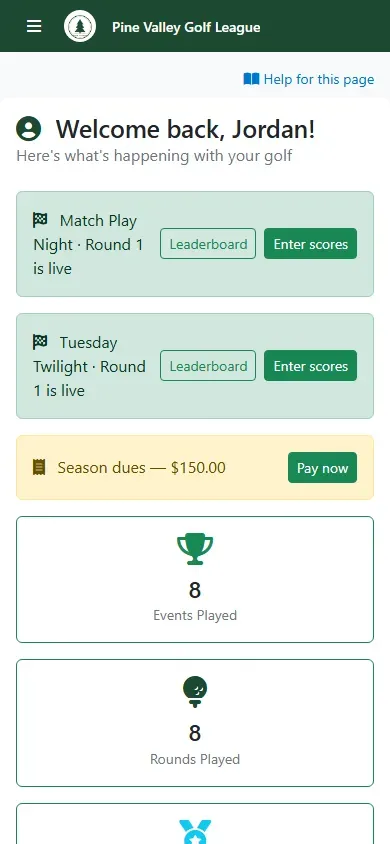
You’re signed in, on My Dashboard: a round that’s live today (with a button to enter scores), your events and rounds played, your place in the season, and your upcoming events. The menu button at the top left opens everything else.