Pay your dues online
If your league collects dues online, you can pay with a card in a minute. You pay on Stripe’s secure checkout page, and the money goes straight to your league.
Before you start: your league has turned on online dues for the season. You’ll know because the dues show on your dashboard, or you get an email with a Pay dues button. You can use either one; this guide starts from the dashboard.
-
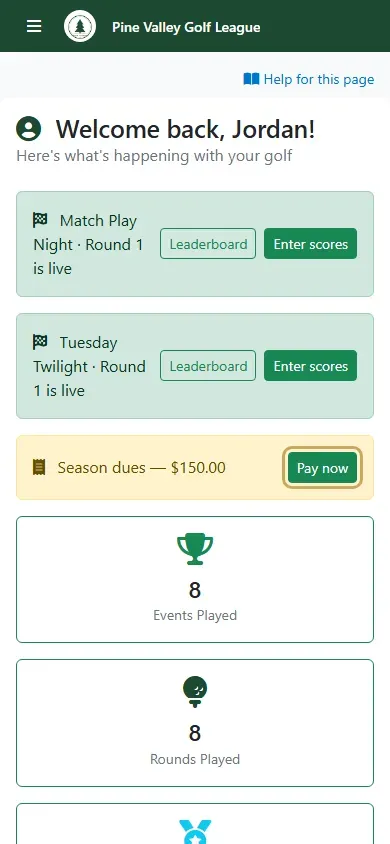
On My Dashboard, the Season dues card shows what you owe. Select Pay now.
-
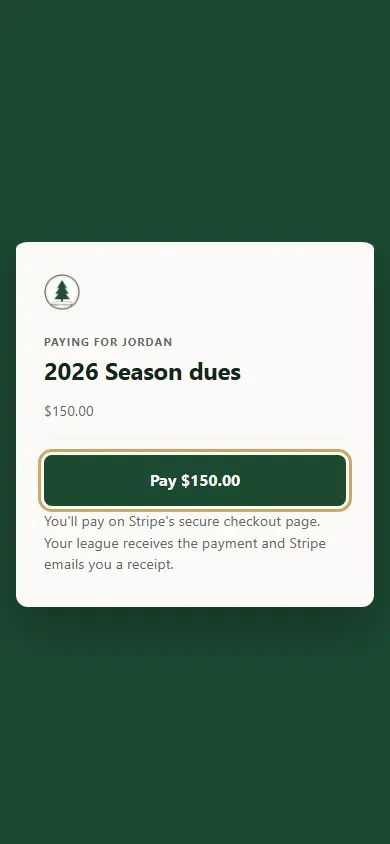
Check the season and the amount, and select Pay.
-
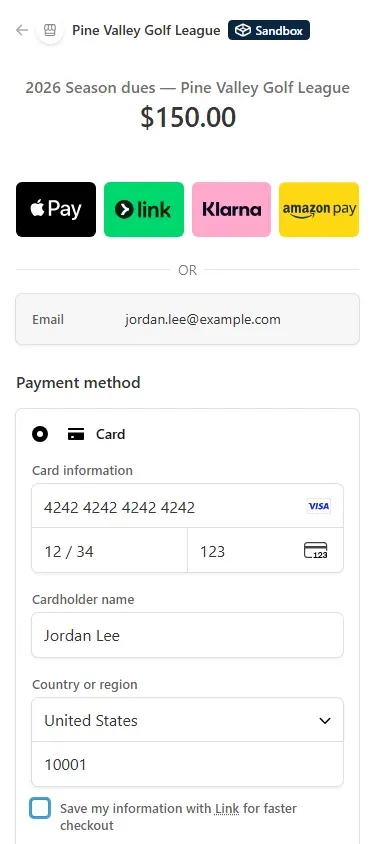
Stripe’s checkout page opens with your league’s name. Choose Card, enter your card details and name, and select Pay. Depending on your league’s settings you may also see Apple Pay, Klarna or other ways to pay.
-
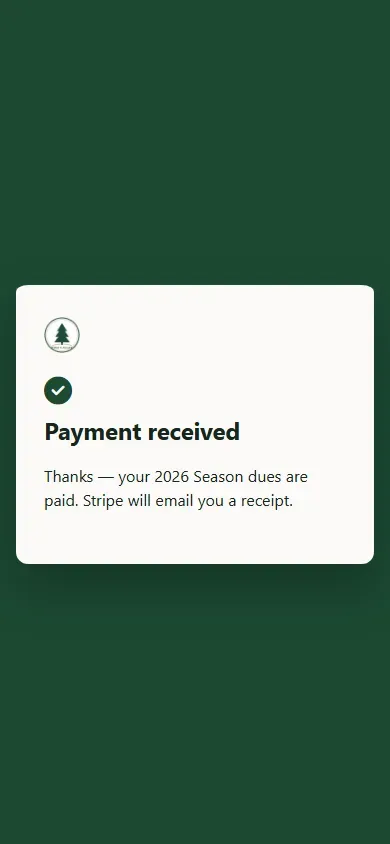
Back in RELM Golf, you’ll see Payment received. Stripe emails you a receipt, and your league sees you as paid straight away.